

Watermark Sense
Flexible and creative batch image watermarking


Watermark Many Images

IMPORTANT: Watermark Sense evolves into iBatch
Watermark Sense is not supported any more. It can malfunction on modern macOS versions. We are working on adding its functionality to the new app iBatch.
Watermark Sense is a flexible batch image watermarking utility for Mac. It enables you to achieve great creative results in batch mode, saving a lot of time on repetitive tasks.
Protect your intellectual property, promote your brand, add informational overlays, and stamp many images at a time. Achieve beautiful and creative results with the flexible blending options. Generate watermark text from image metadata. Enjoy great flexibility and save a lot of time when processing many images!

Powerful Watermark Options
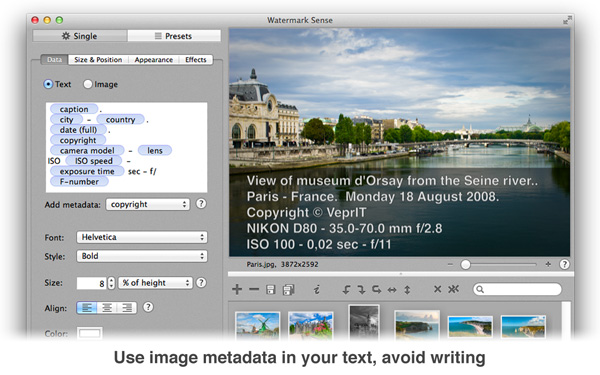
Watermark Sense supports both text and image watermarks. It gives you full control over the watermark appearance, offering a rich set of fine-tuning options and visual effects. For example, you can configure the watermark opacity, choose a blending mode, apply shadow, replicate the watermark, etc. A text watermark can be generated based on the image EXIF / IPTC metadata, providing incredible automation capabilities.
Reusable Presets
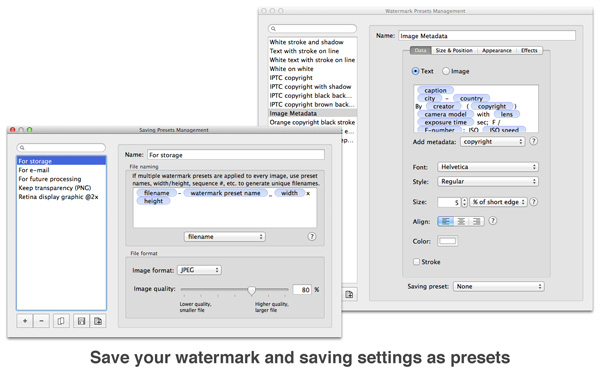
With Watermark Sense, you never need to enter the same configuration twice! It enables you to save your watermark configurations, as well as saving settings (output file naming and format), as custom user presets.
Multiple Watermarks at Once
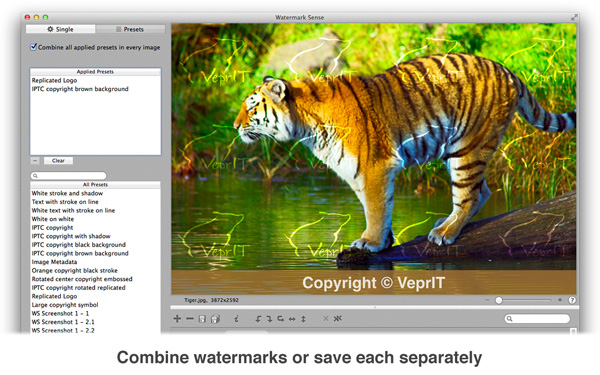
With the custom presets defined, you can even apply several watermarks to every image, or save every image multiple times with different watermarks, all in a single batch operation! Moreover, using custom saving presets, you can even save every image with a particular watermark in its own file format, with a specified filename pattern!
Flexible Output Options
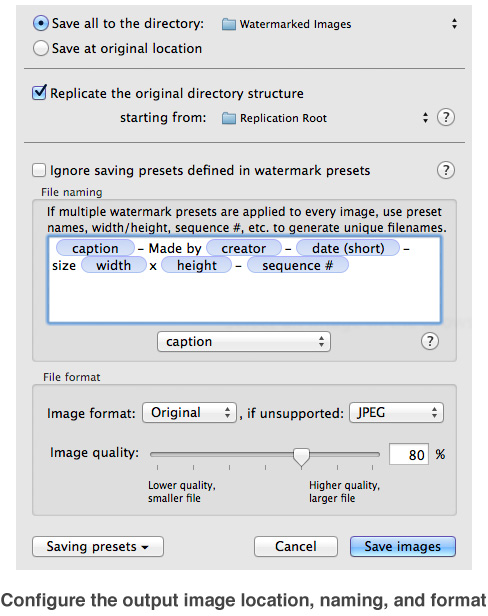
Saving is a separate story by itself. You can save into one output folder or at the original location, and possibly replicate the original directory structure. Use any text along with pre-defined tokens to generate the output filename, including various image information such as its size and metadata fields. And of course, you can choose the output image format, JPEG quality, etc.
Live Preview
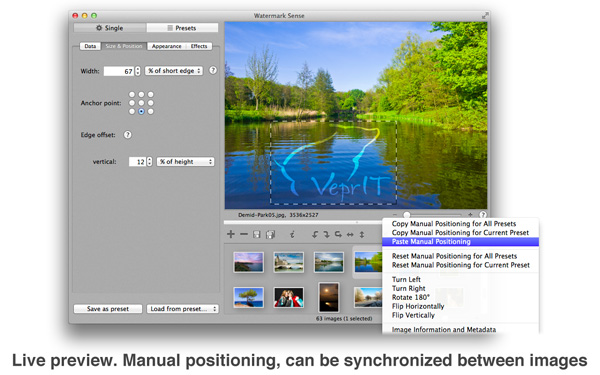
Watermark Sense provides a live preview of your watermark. Sometimes you might wish to have a better control over the watermark position than a batch configuration can offer. In those cases you can manually position watermarks in preview for individual images. Moreover, you can even synchronize the manual positioning between images.
Small and Large Batch Modes
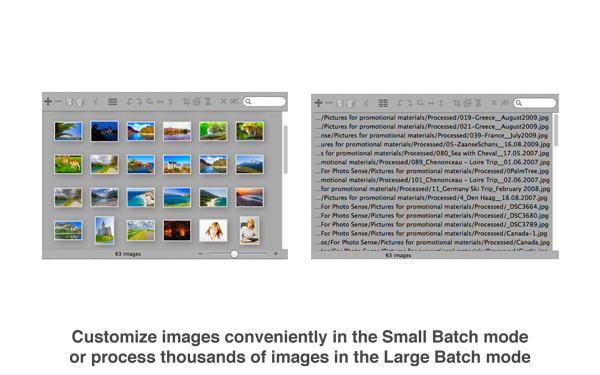
Watermark Sense supports the Small and Large Batch modes. The former is convenient when working with relatively few images and performing many customizations (manual positioning, rotation, etc.). The latter is suitable when processing thousands of images.
Basic Image Manipulation
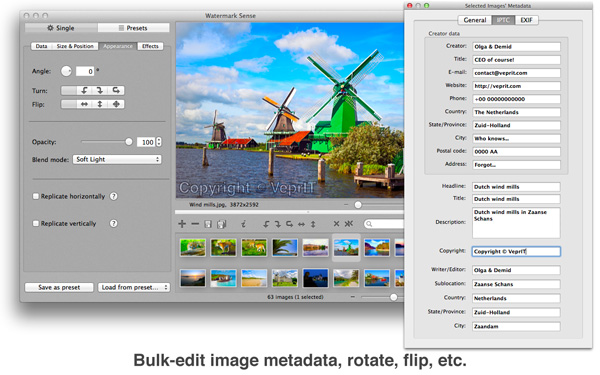
In addition, Watermark Sense has some basic image manipulation capabilities: batch rotation, flipping, and EXIF/IPTC metadata editing.
System Requirements
Watermark Sense requires an Intel-based 64-bit Apple computer with Mac OS X 10.9 (Mavericks) or later.
See version history for older versions that can run on previous macOS versions.