
iSize
Advanced image resizer and converter for iPhone and iPad.

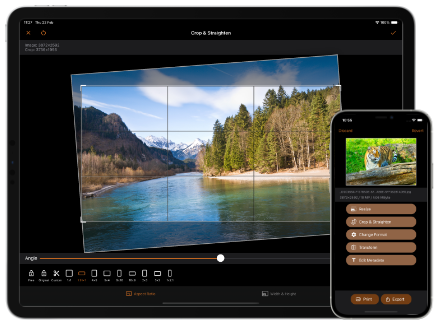
Resize & Convert Your Images
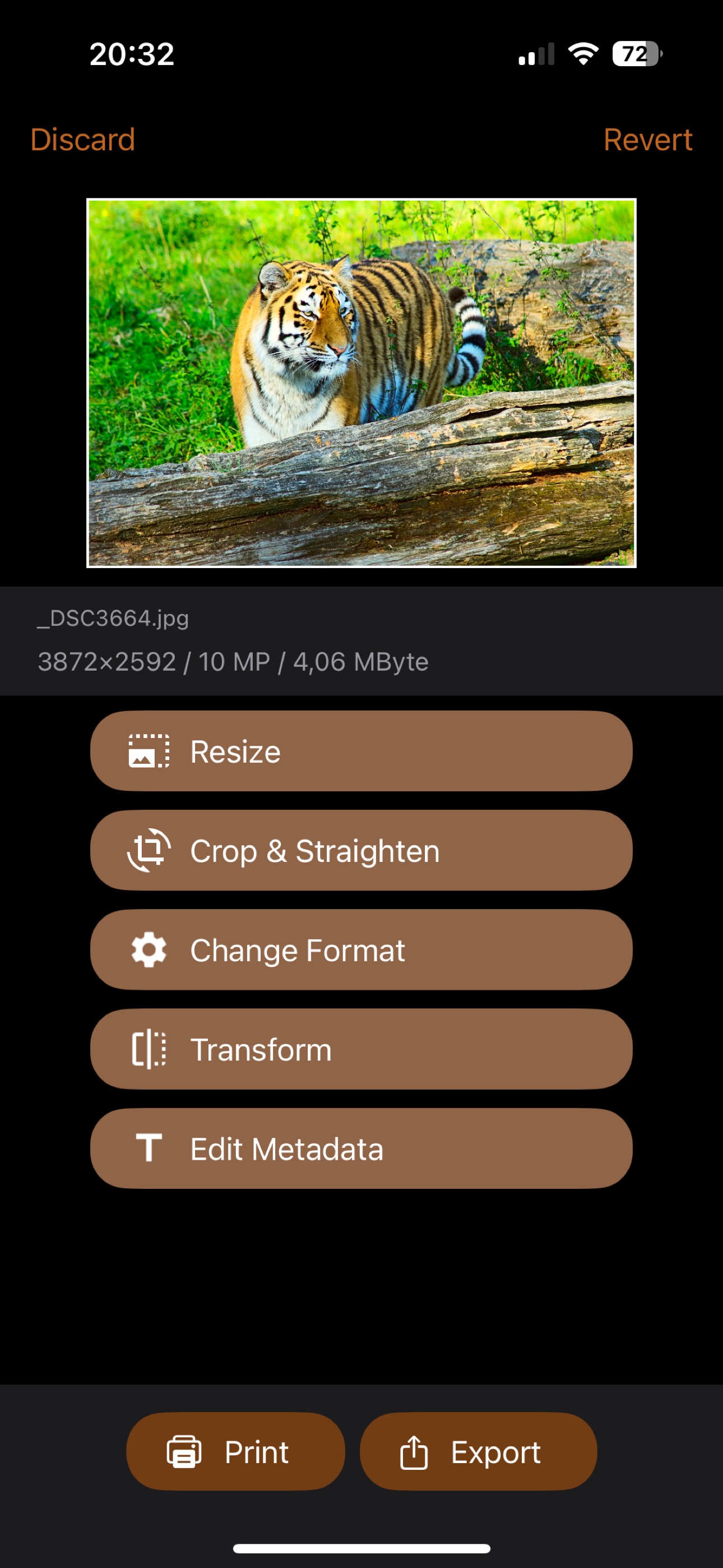
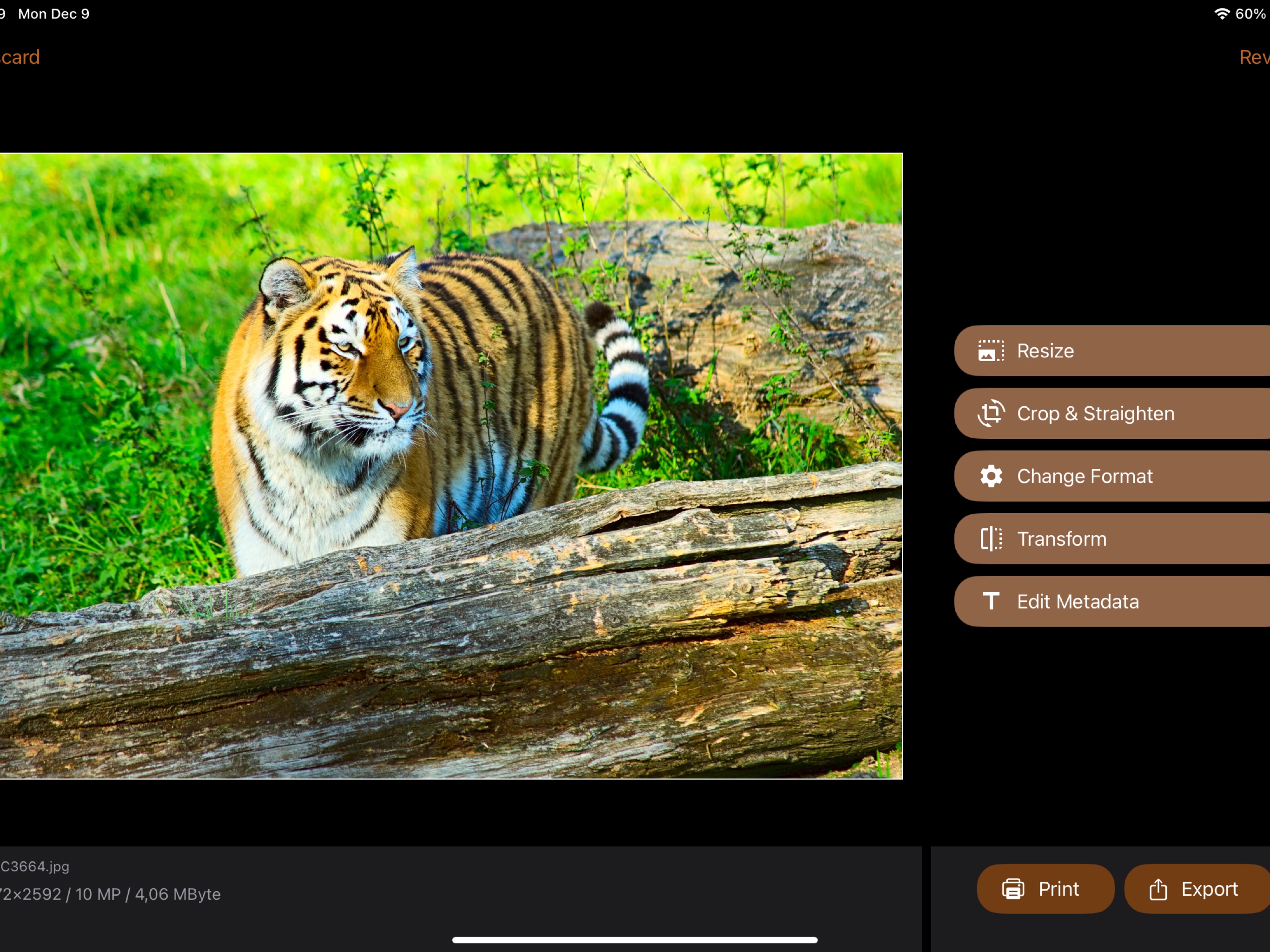
Advanced image converter. Resize, crop, transform, and print your pictures. Edit image metadata. Prepare photos for social media.
Quick and easy, but very flexible tool. Suitable for serious graphic design work.
Powerful Features

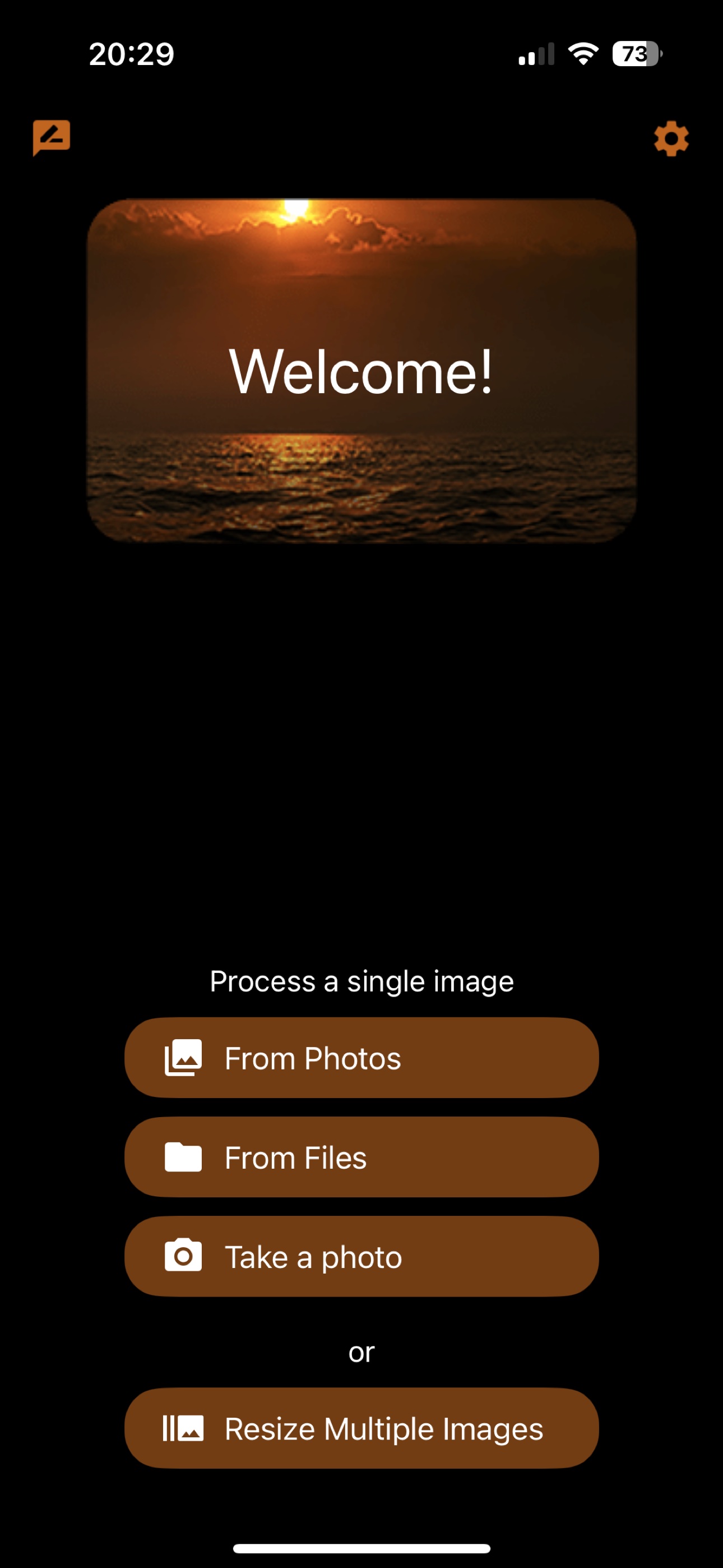
Import from Photos, Files, or Camera

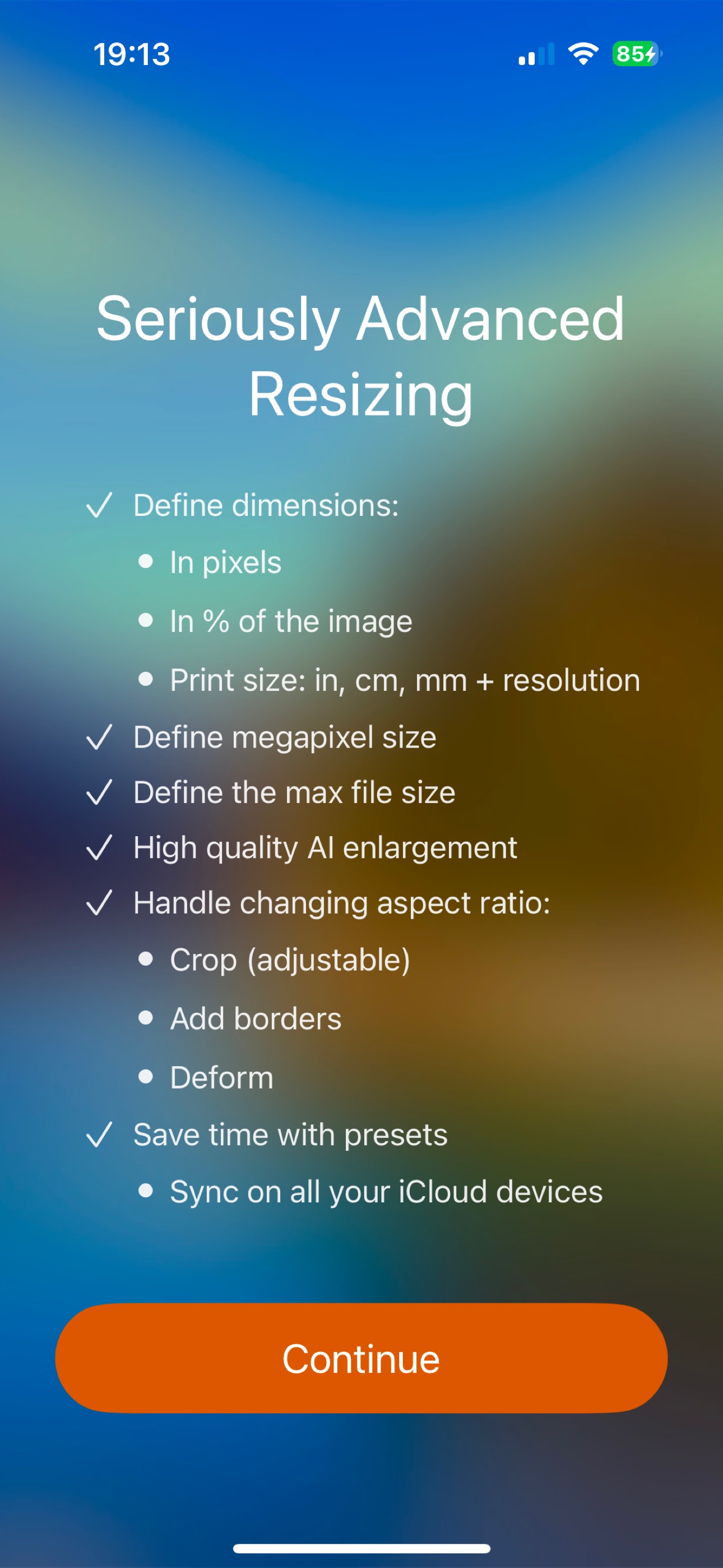
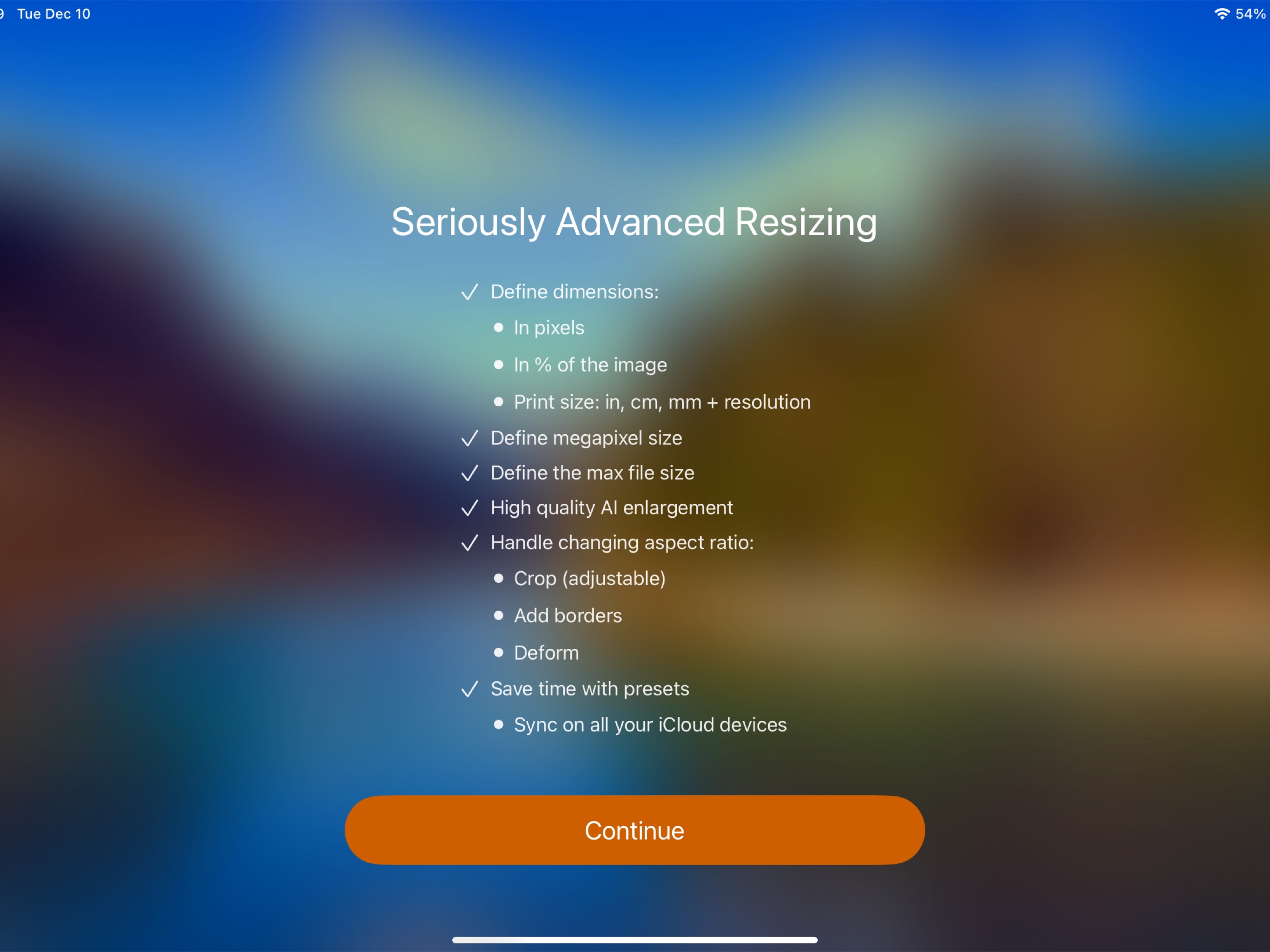
Advanced Resizing Modes
Flexible resizing for every need:
- Define the image width, height, or both.
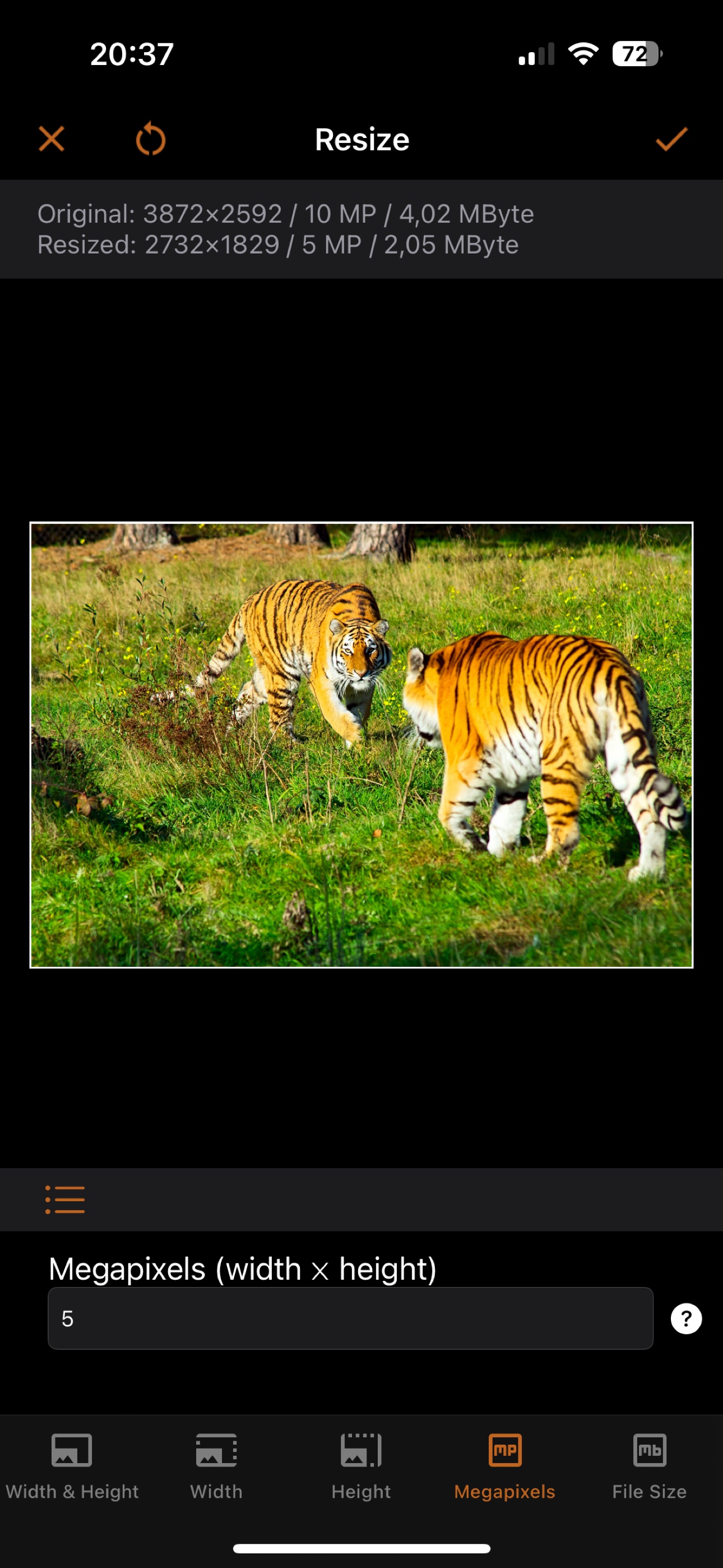
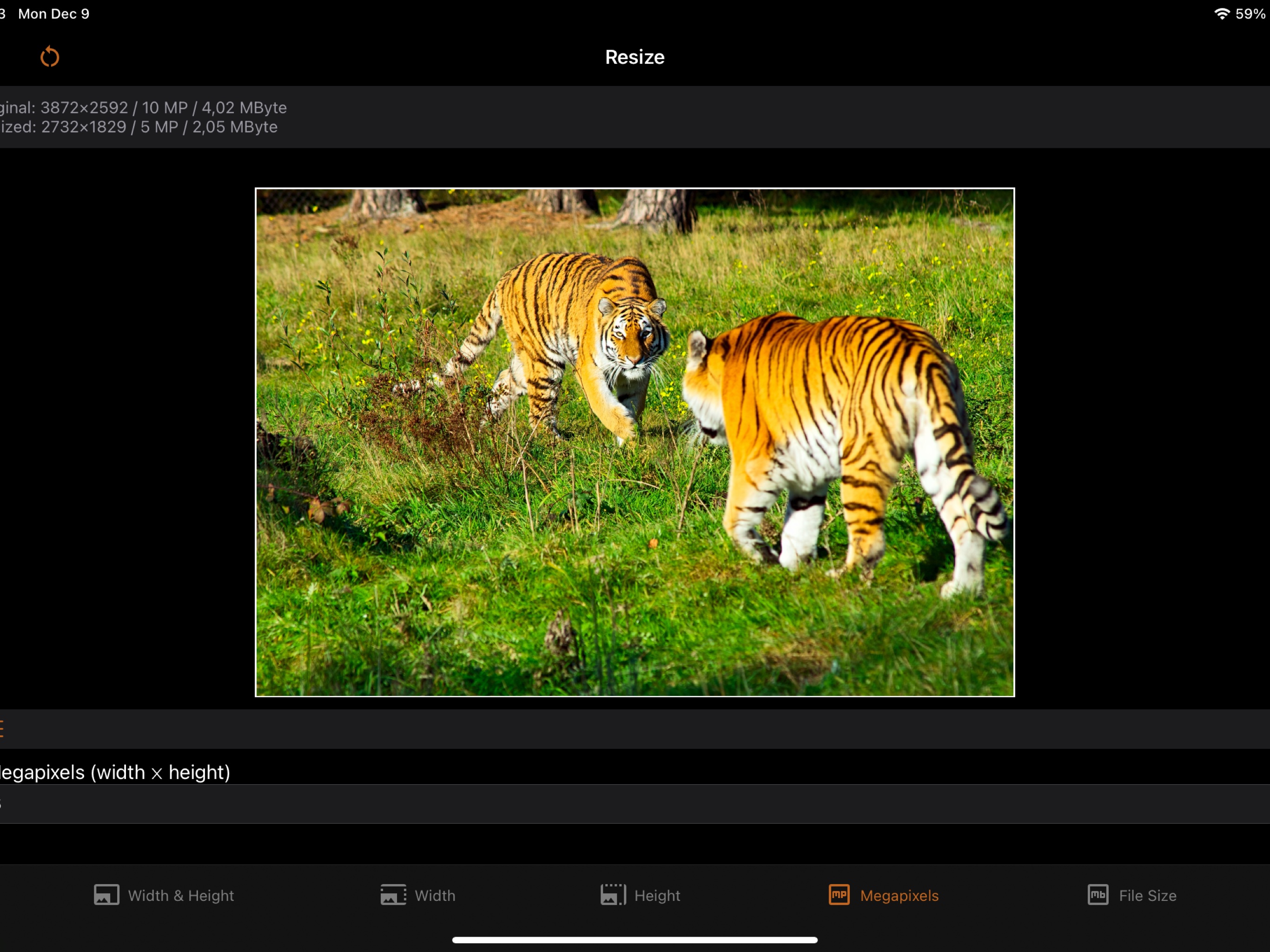
- Define the resolution in megapixels. E.g. make a 5-megapixel image.
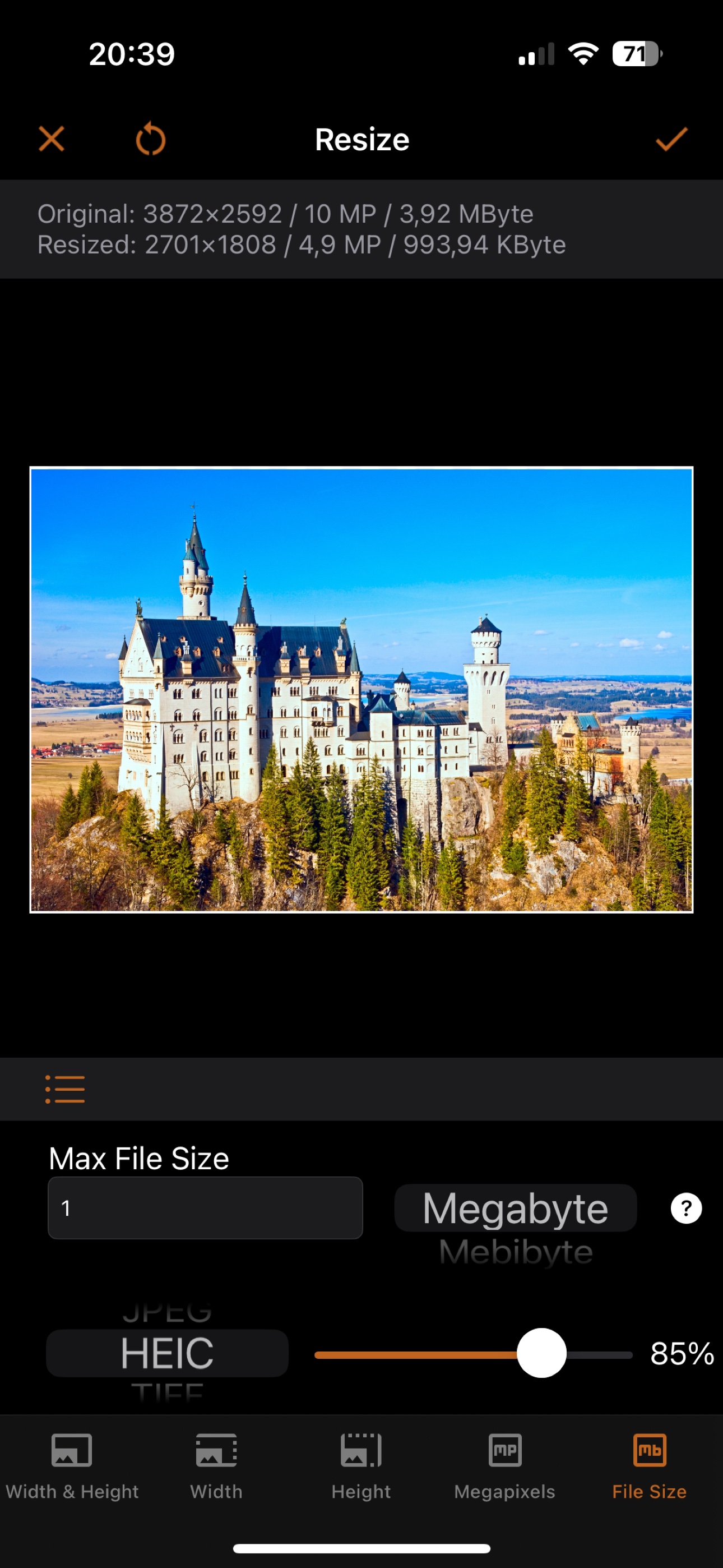
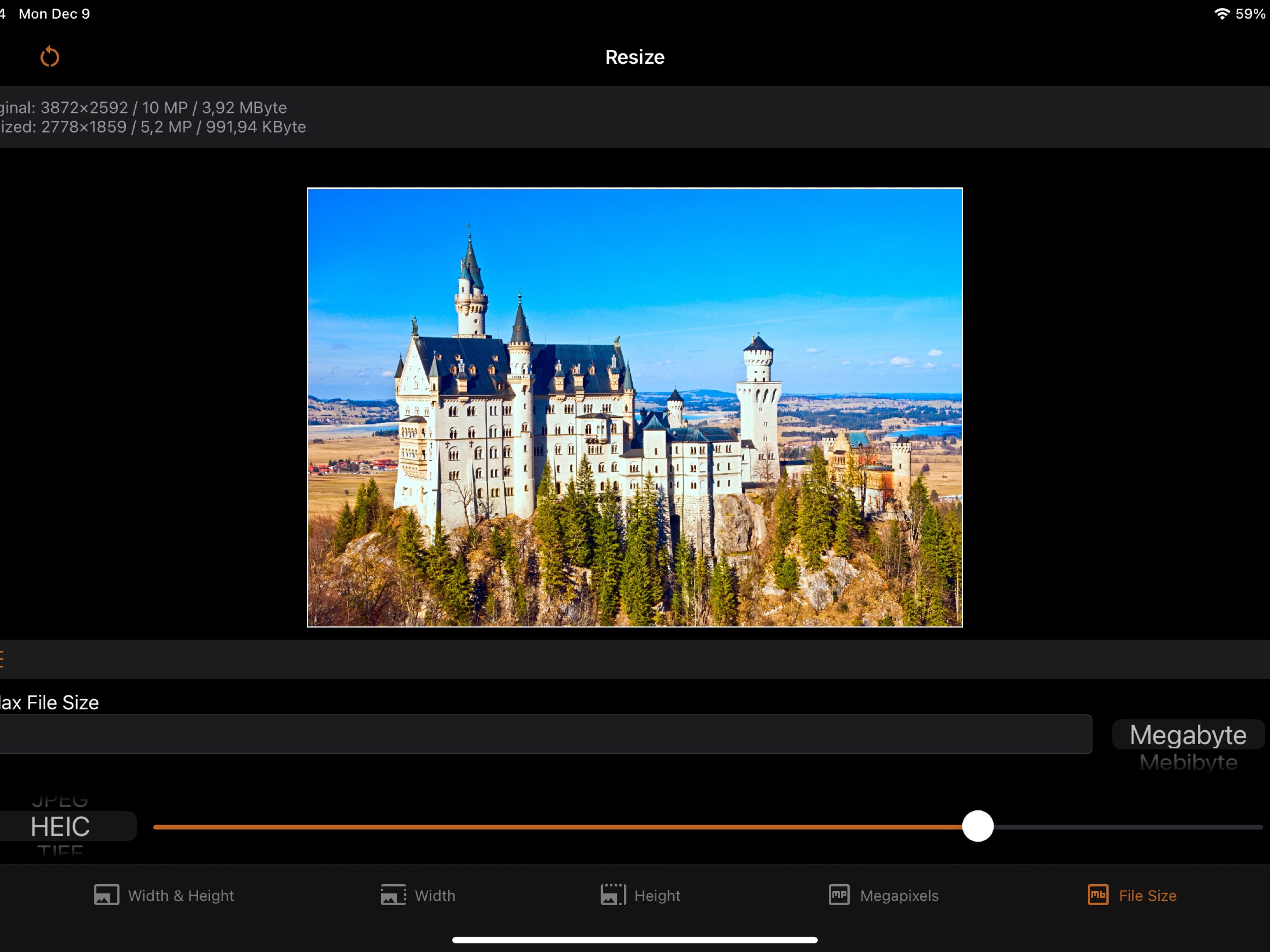
- Limit the file size. E.g. make an image file at most 1 MB.
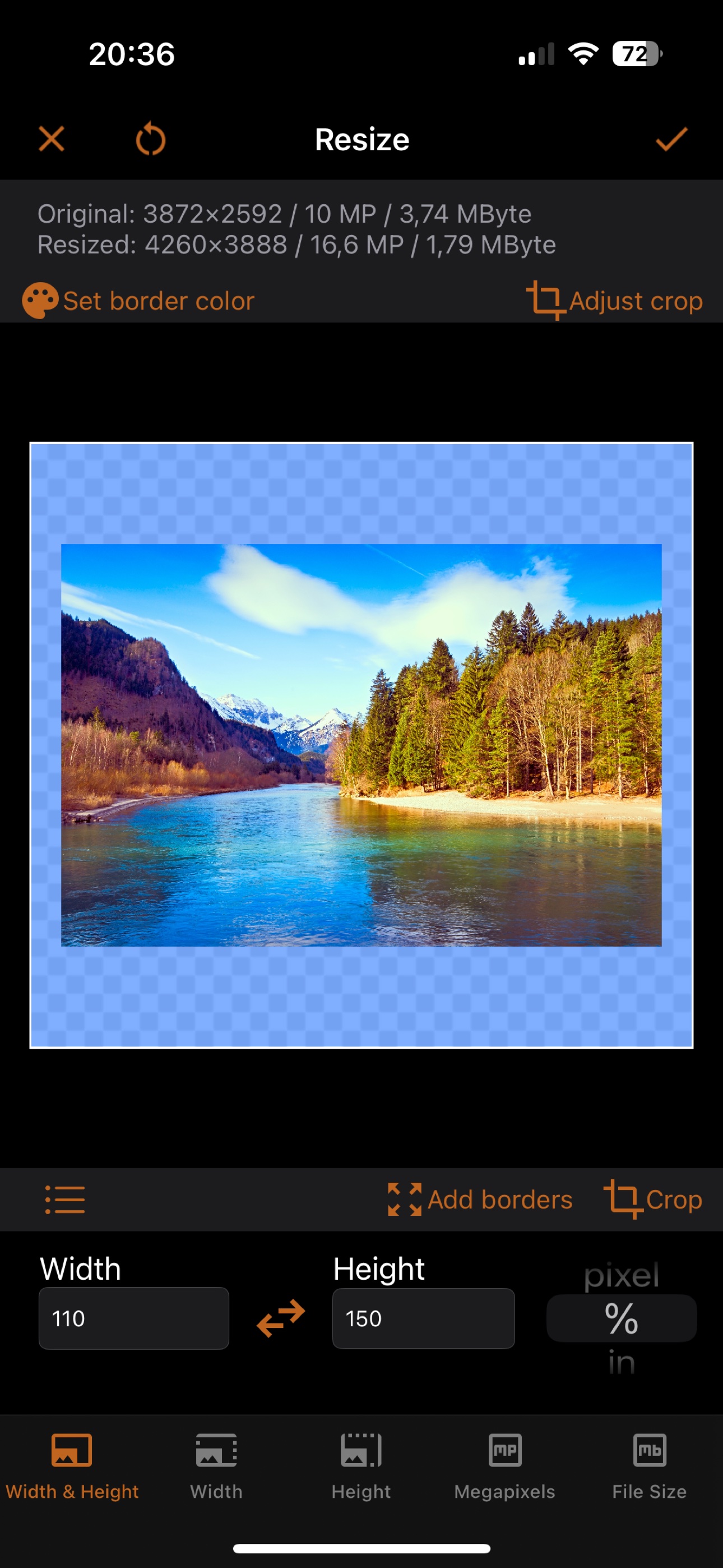
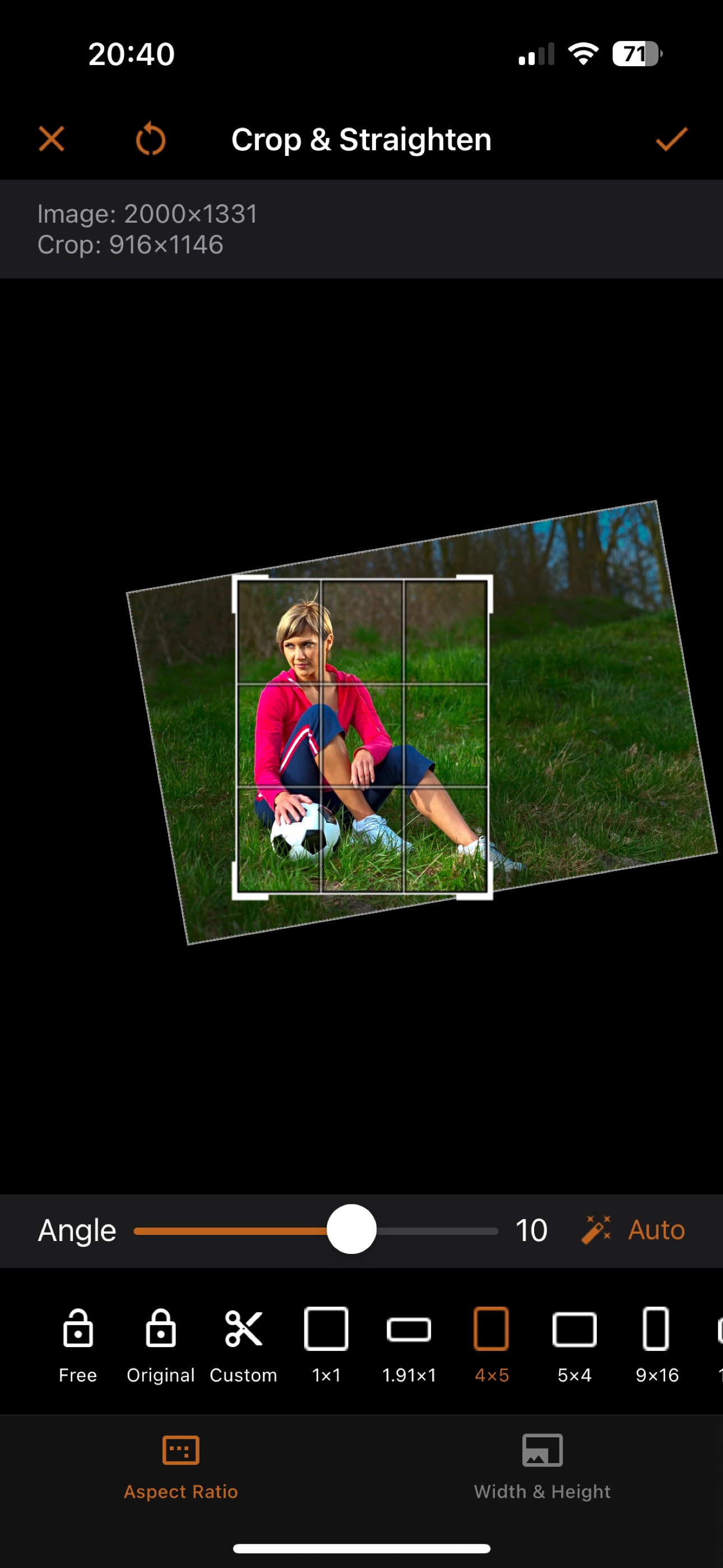
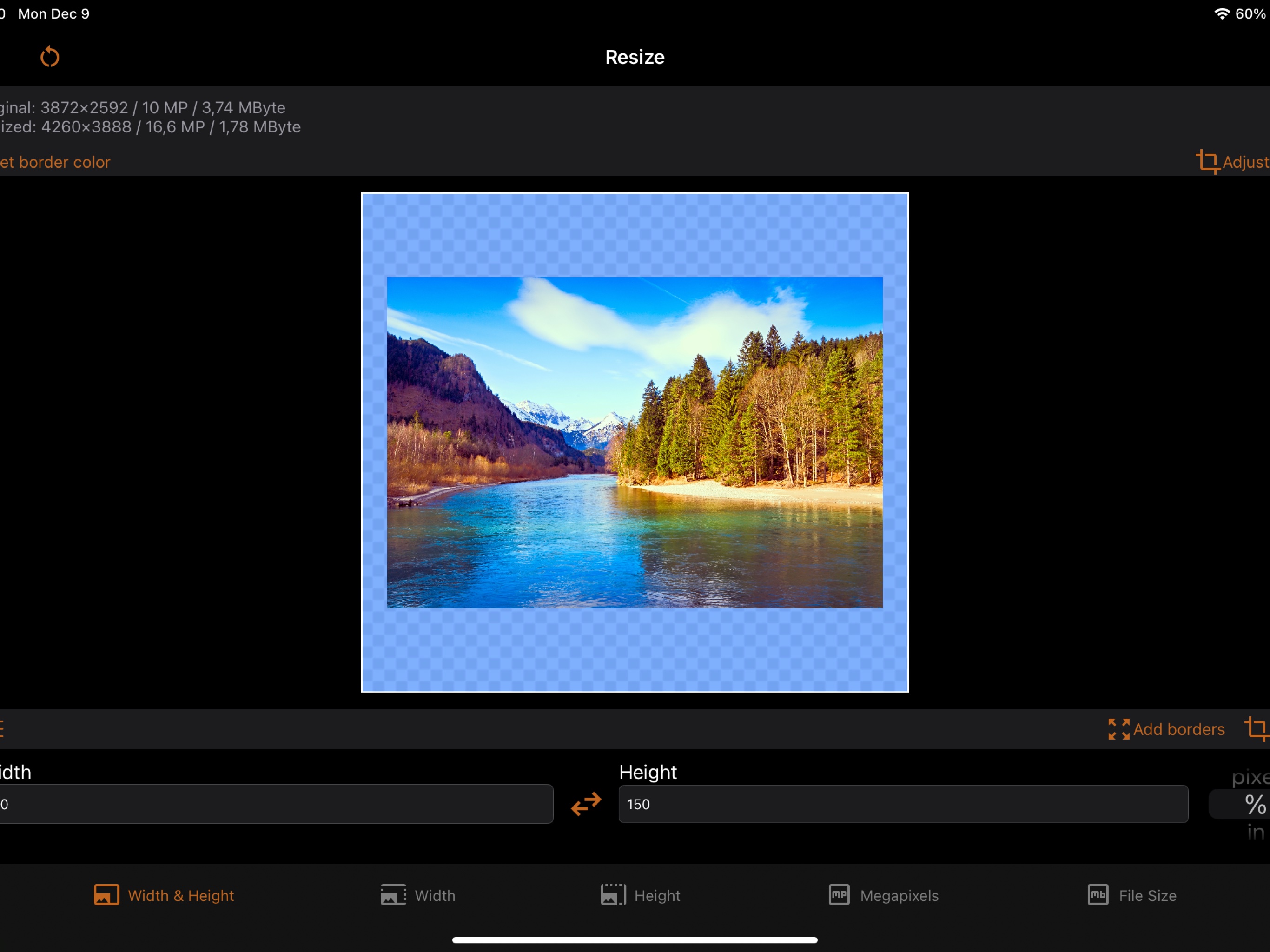
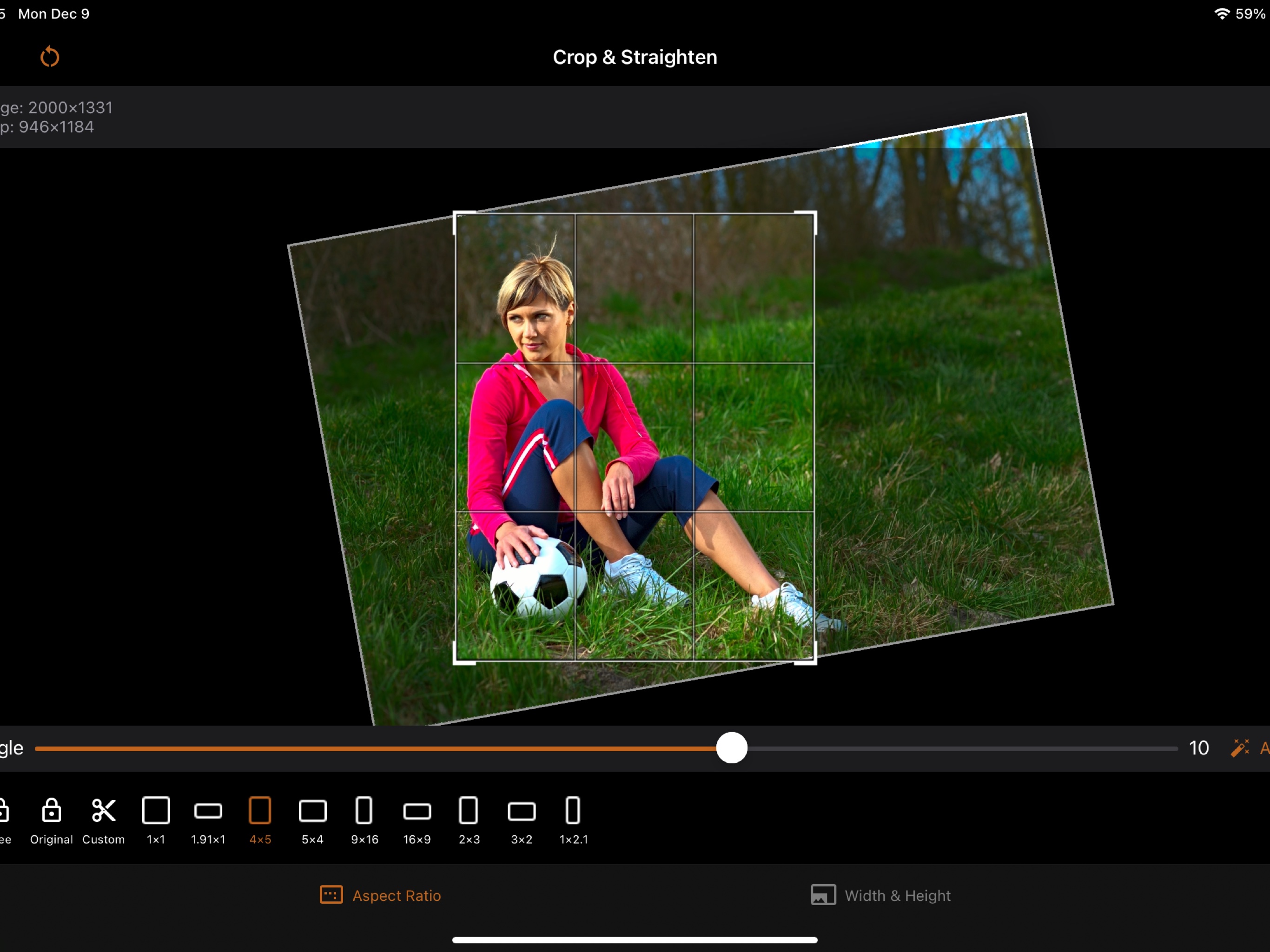
Choose what happens when the aspect ratio changes: crop, deform, or add borders of any color. And if the image is too small: enlarge it or add borders.

Size Presets, Synced via iCloud

Image Formats
Save images in your preferred format:
- JPEG, HEIC (iPhone 7+), TIFF, PNG, GIF, BMP
Control format-specific settings: compression quality for JPEG and HEIC, lossless compression for TIFF.

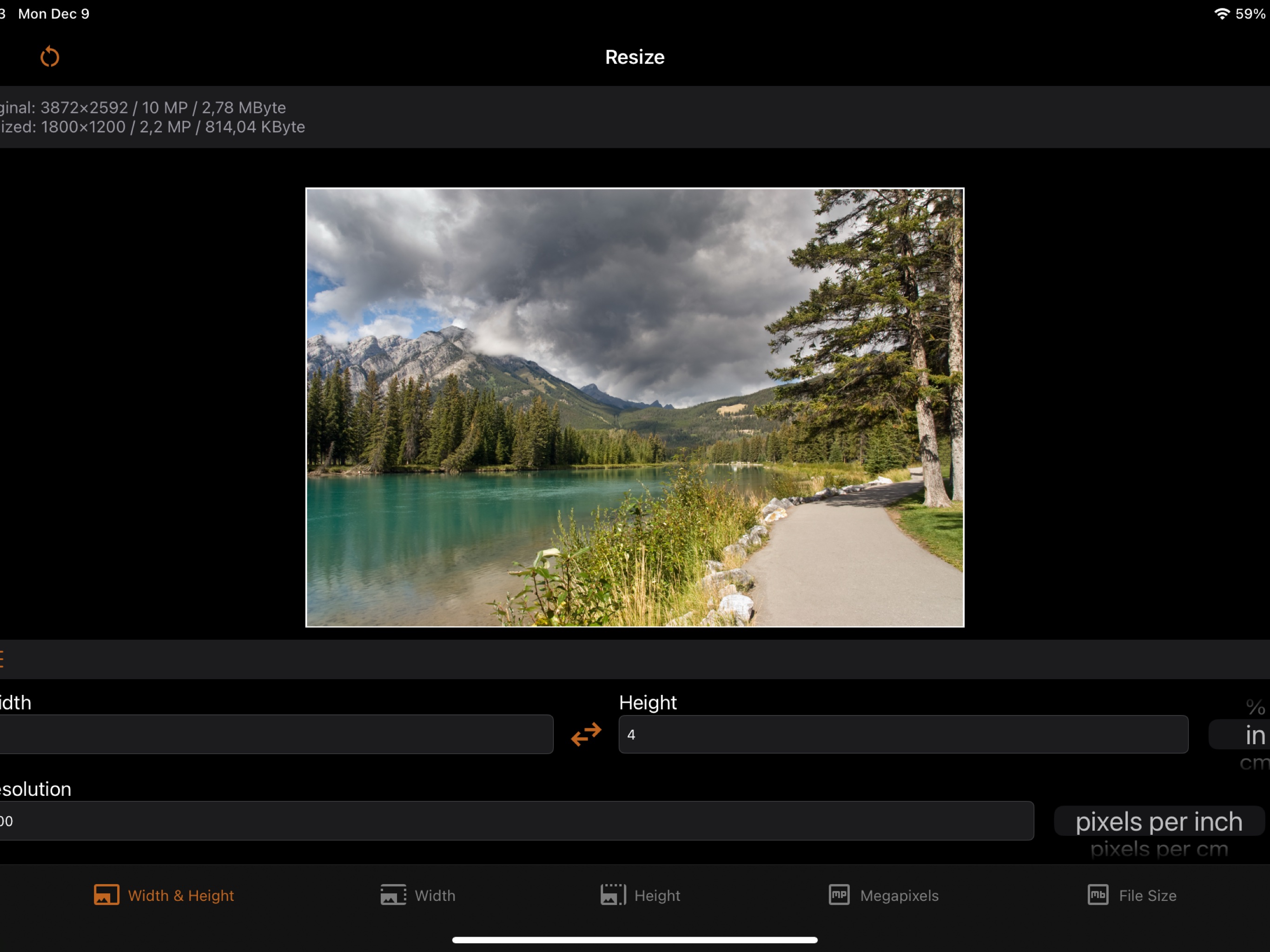
Flexible Size Units
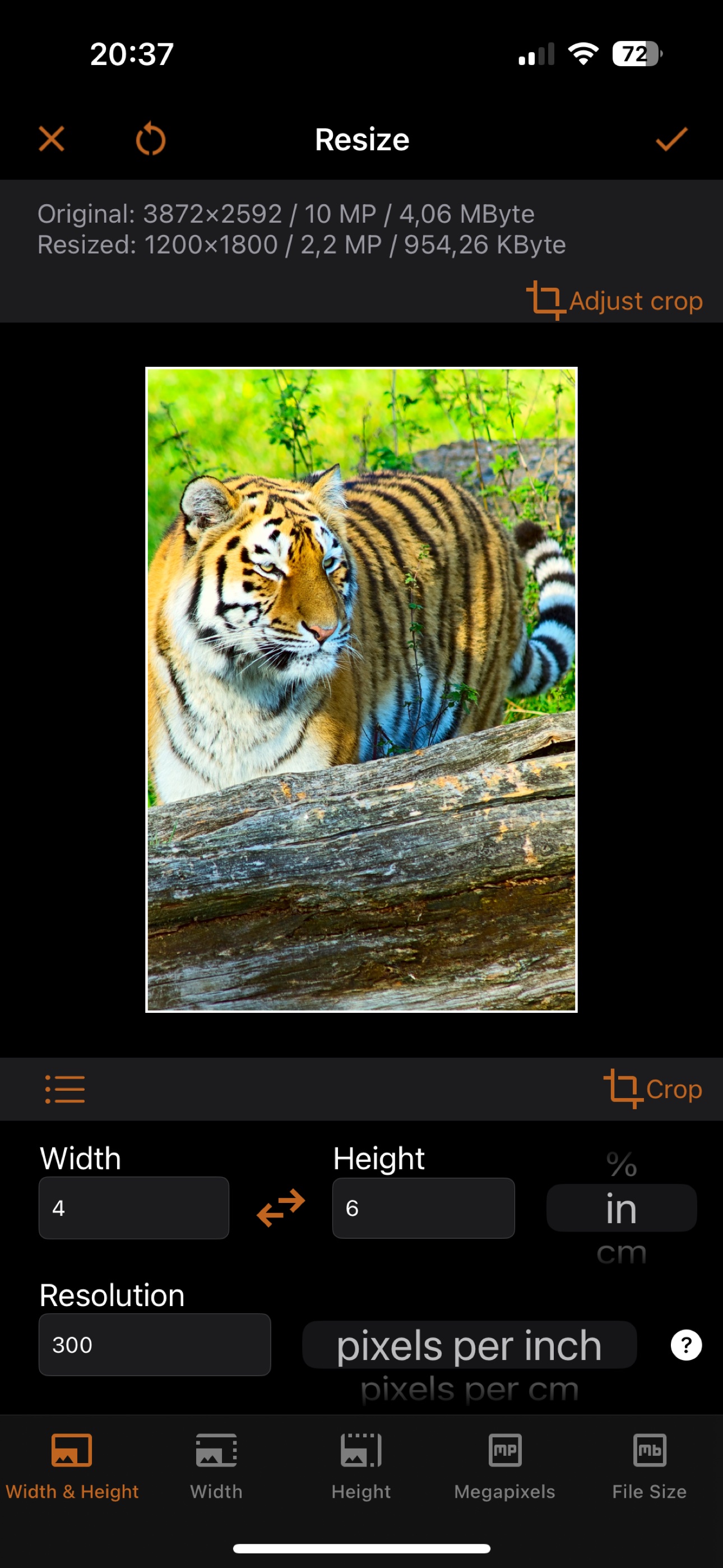
Define dimensions in pixels, percent, inches, centimeters, or millimeters. Set print resolution in pixels per inch or per cm. Define file size in MB, MiB, KB, KiB, or bytes.

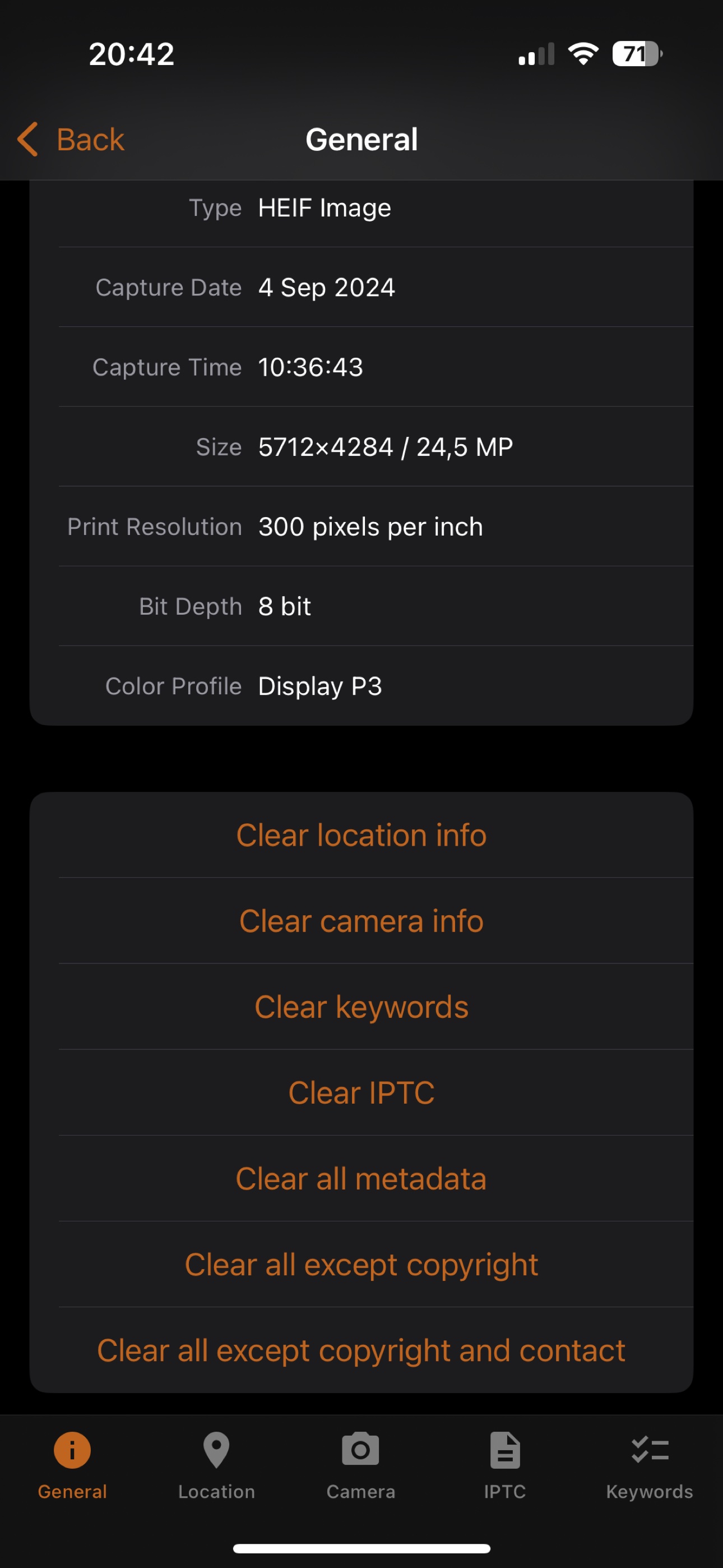
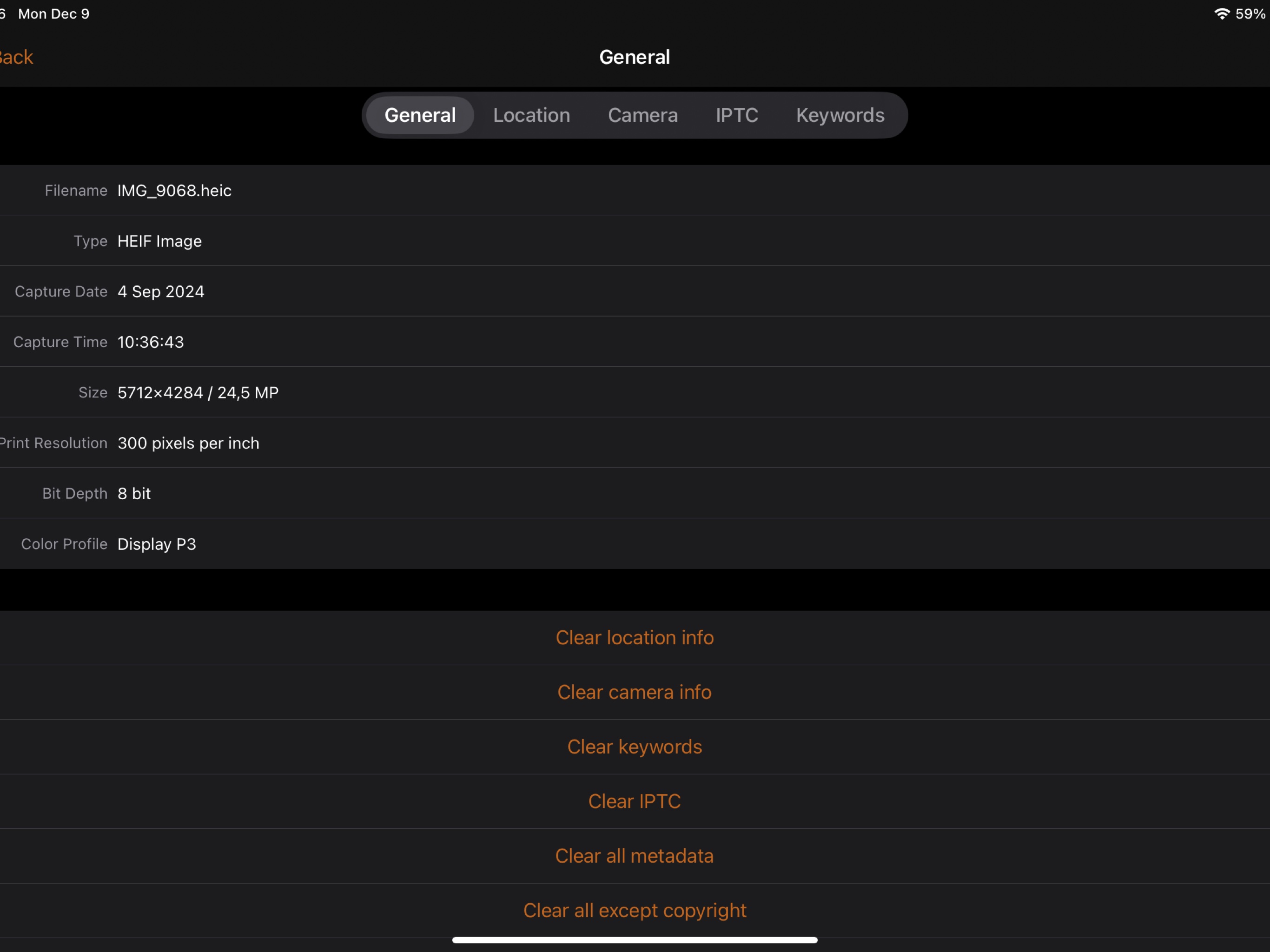
Image Metadata Editor

Image Printing

Transparent Images
iSize Screenshots