

iPick
Compare your photos. Choose the best, get rid of the rest.

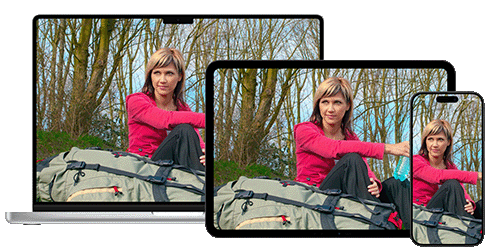
Clean Up Your Photos
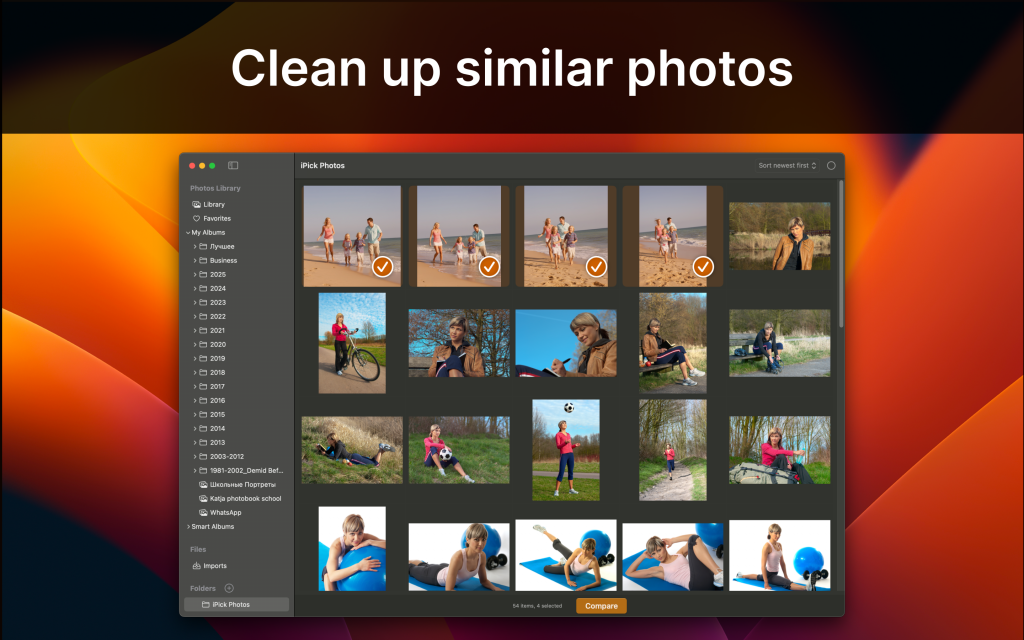
Clean up similar photos
iPick helps you quickly compare similar photos side-by-side and pick the best ones. Zoom, pan, and auto-zoom on faces to spot important details instantly, then delete the rest and clean up your photo library with confidence. Works seamlessly across Mac, iPhone, and iPad.
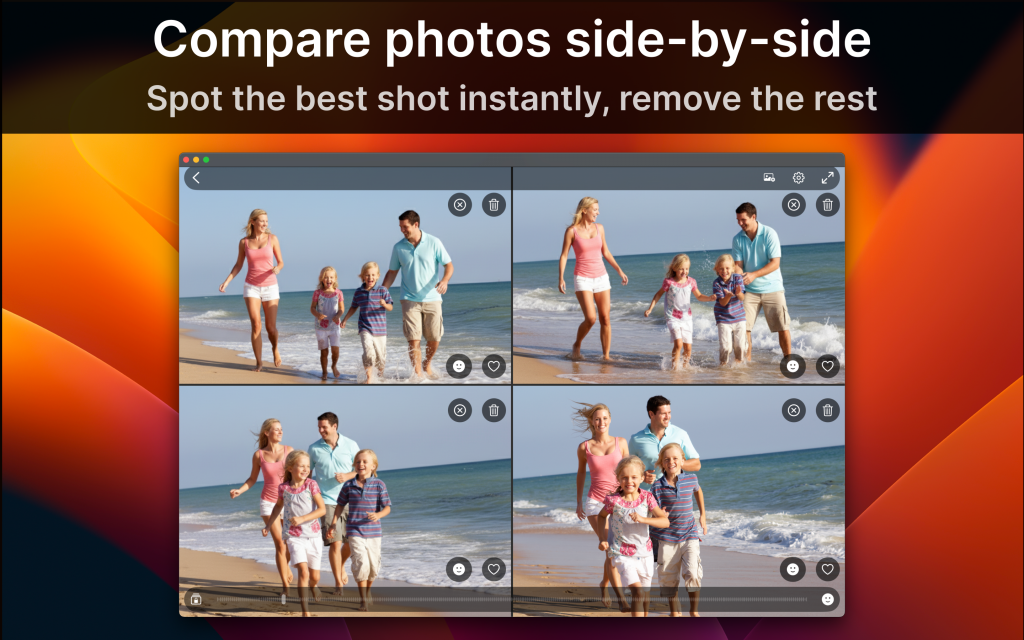
Compare photos side by side
View similar photos next to each other to instantly see which shot looks best: people look better, expressions are nicer, or clarity is higher. Quickly decide what stays and what goes.
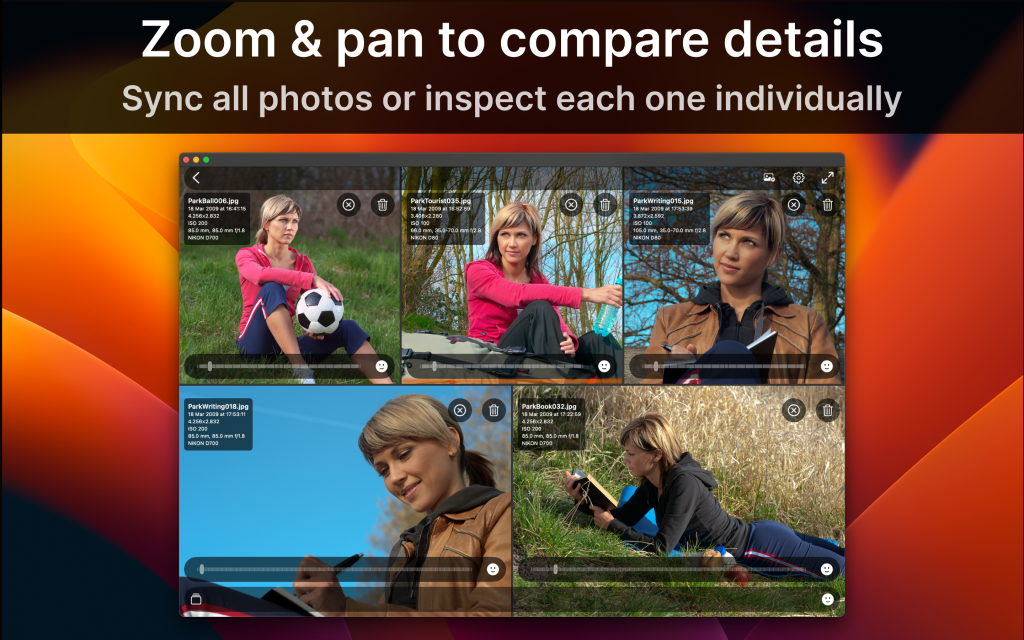
Zoom and pan in sync
Zoom all compared photos in sync or inspect each one individually. iPick makes it easy to spot subtle differences — smiles, eyes, expressions, focus, sharpness, and more.
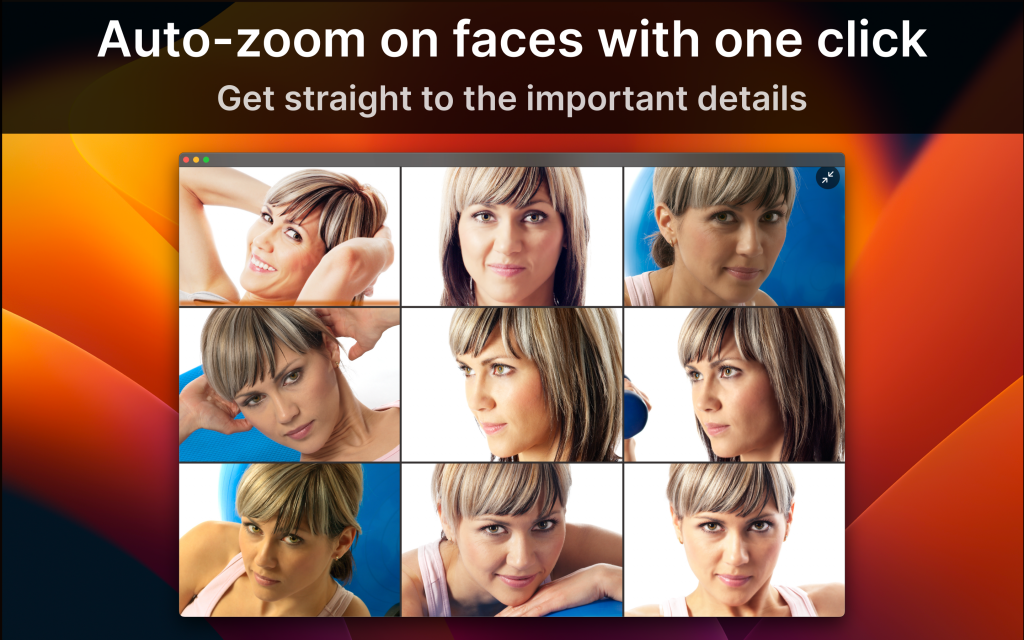
Auto zoom on faces
One click brings every photo to the face area, helping you quickly compare expressions and clarity. Another click jumps to the next face. A fast way to find photos where people look their best.
Clean up your photo library fast
Pick your favorites and remove the rest. iPick helps you declutter your Photos Library, Files, or frequently used folders in just a few minutes.
Works with all your photos
Open images directly from:
- Photos Library
- Files
- Saved folders
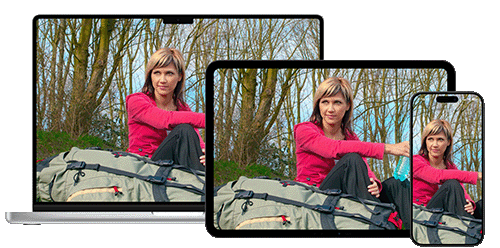
Available on all your devices
Use iPick on:
- Mac
- iPhone
- iPad
Designed for speed, clarity, and simplicity
Your selections stay where you made them, and processing is fast and private on your device. iPick keeps the interface clean and intuitive so you can focus on what matters most: choosing the perfect shot.