
SlideFlow
Bring your memories to life with beautiful slideshows on iPhone, iPad, Mac, and TV.

Enjoy Your Photos and Videos Like Never Before!
With SlideFlow, turn your photos and videos into stunning, animated slideshows:
- ✨ Create breathtaking slideshows in seconds, effortlessly.
- 🖥️ Watch and tweak slideshows on your Mac, iPhone, and iPad.
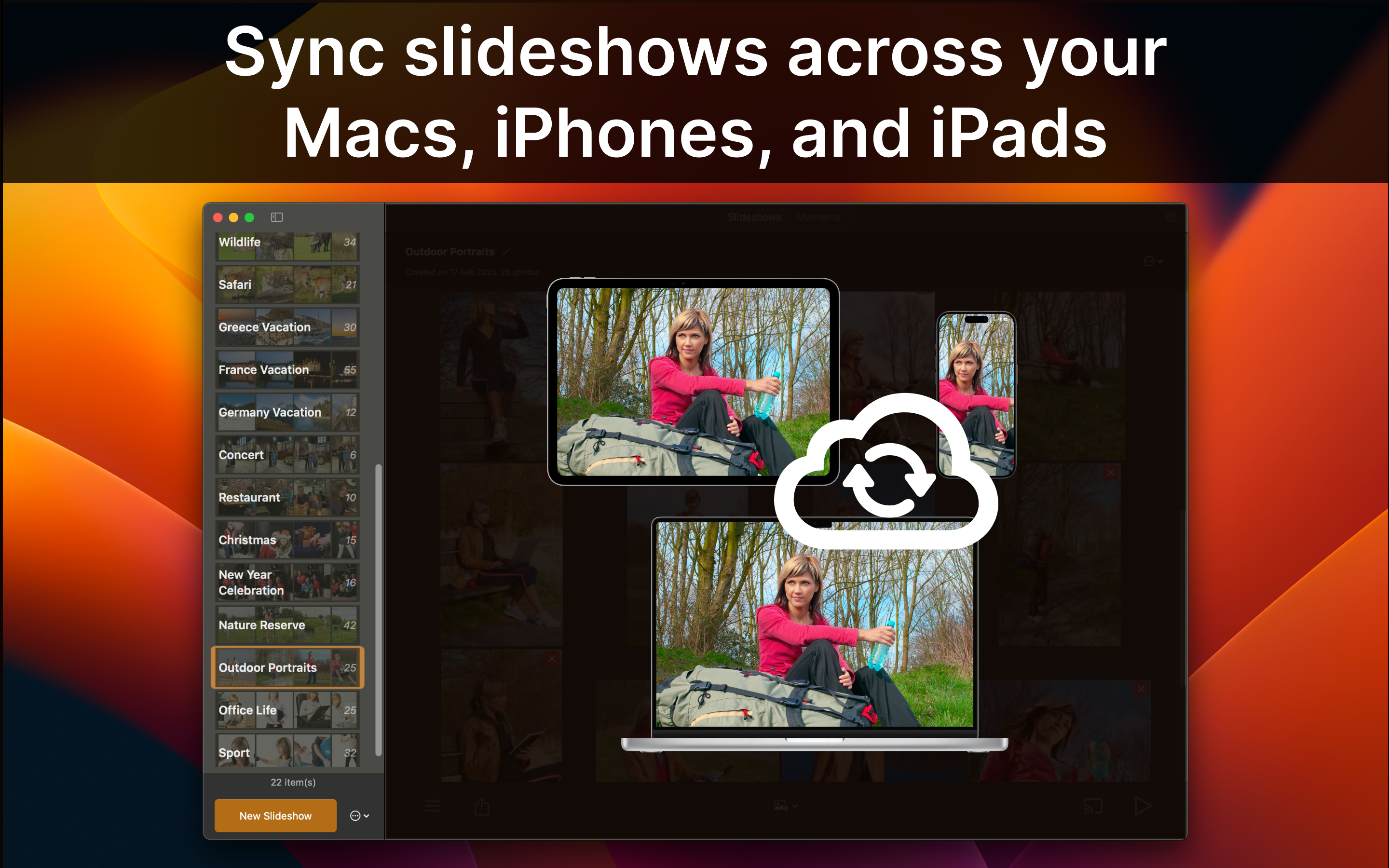
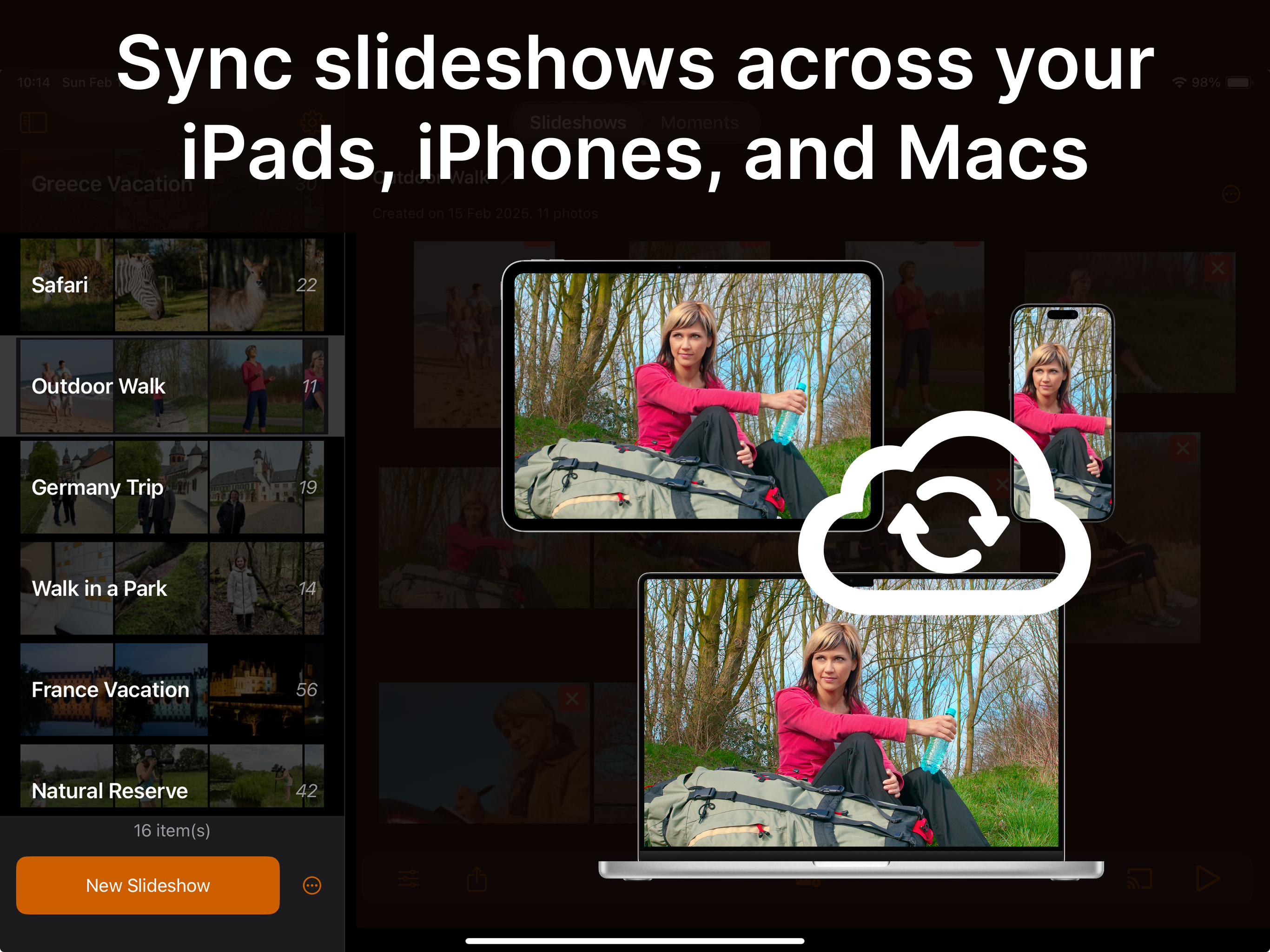
- ☁️ Keep your slideshows in sync across all your devices.
- 📺 Cast slideshows, photos, and videos straight to your TV.
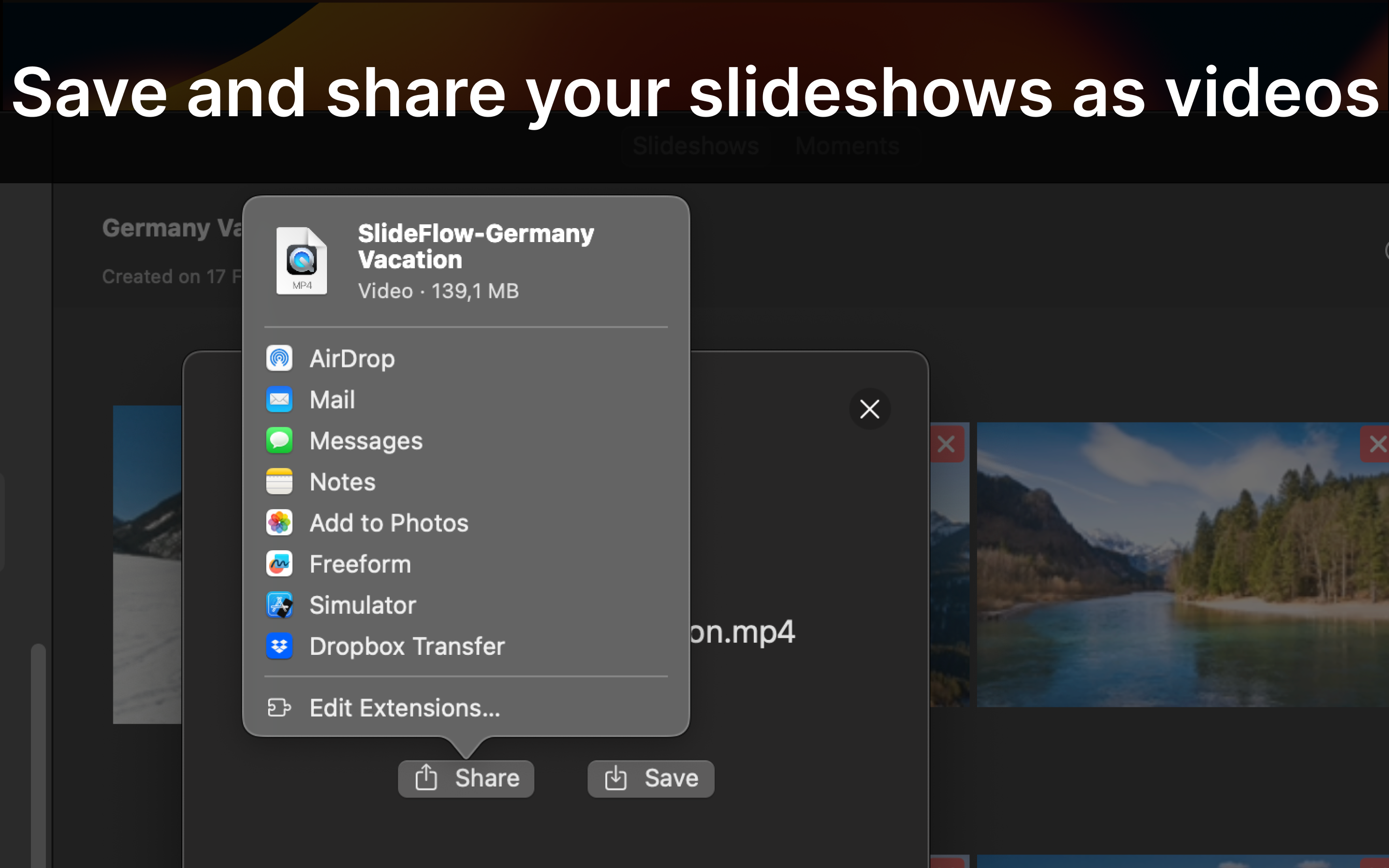
- 💌 Share your memories with family and friends.
Easy as 1-2-3
1
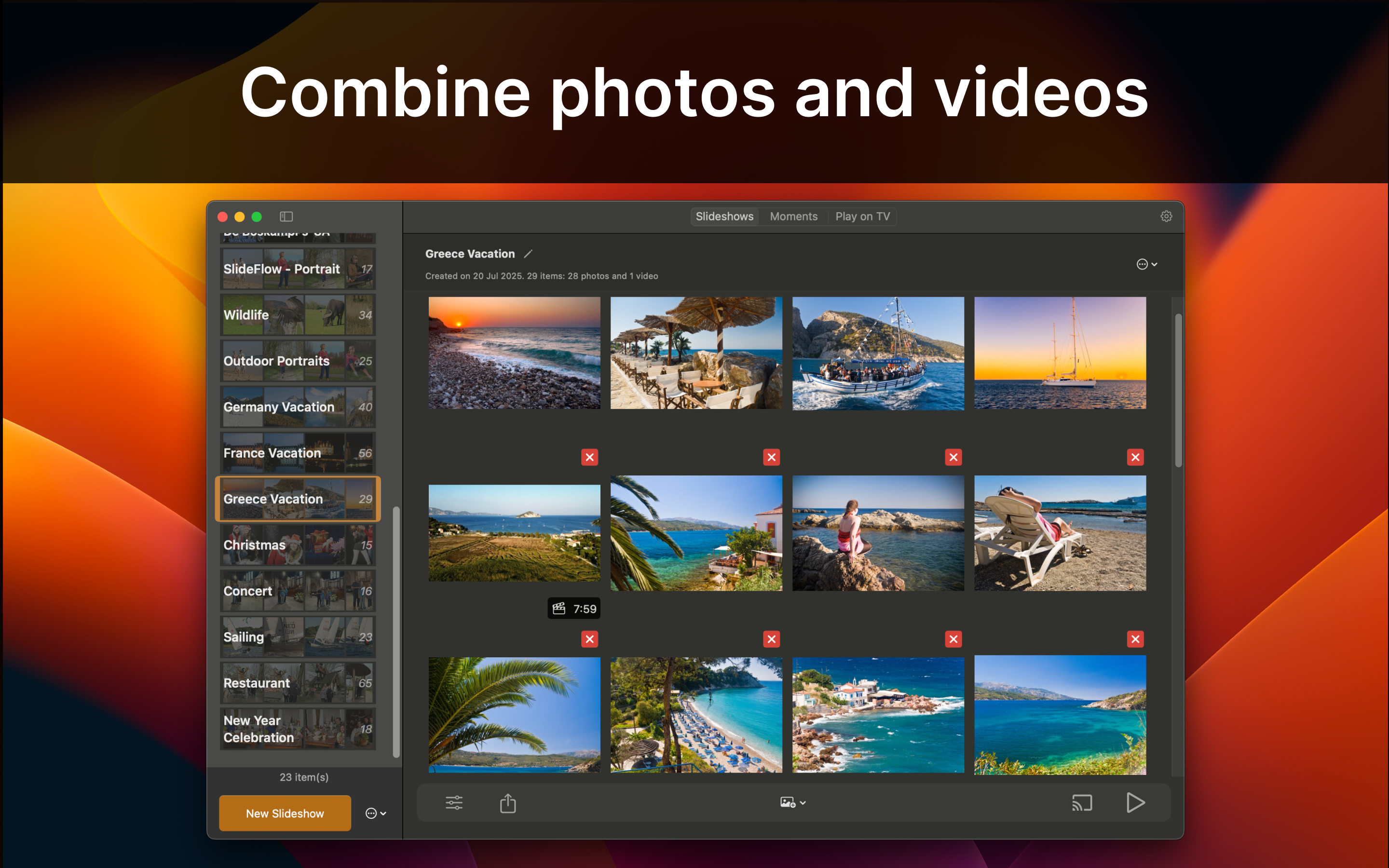
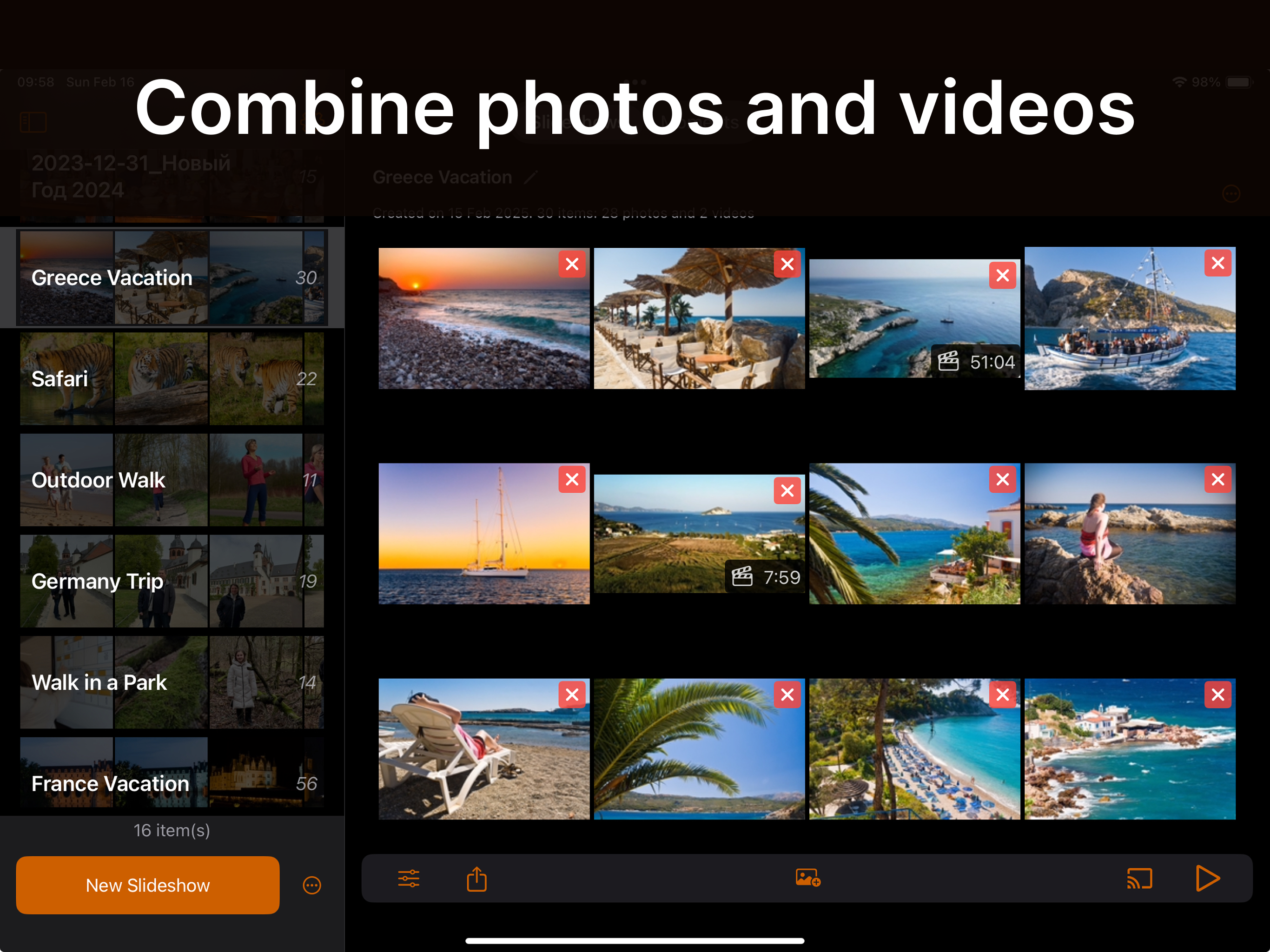
Add photos and videos
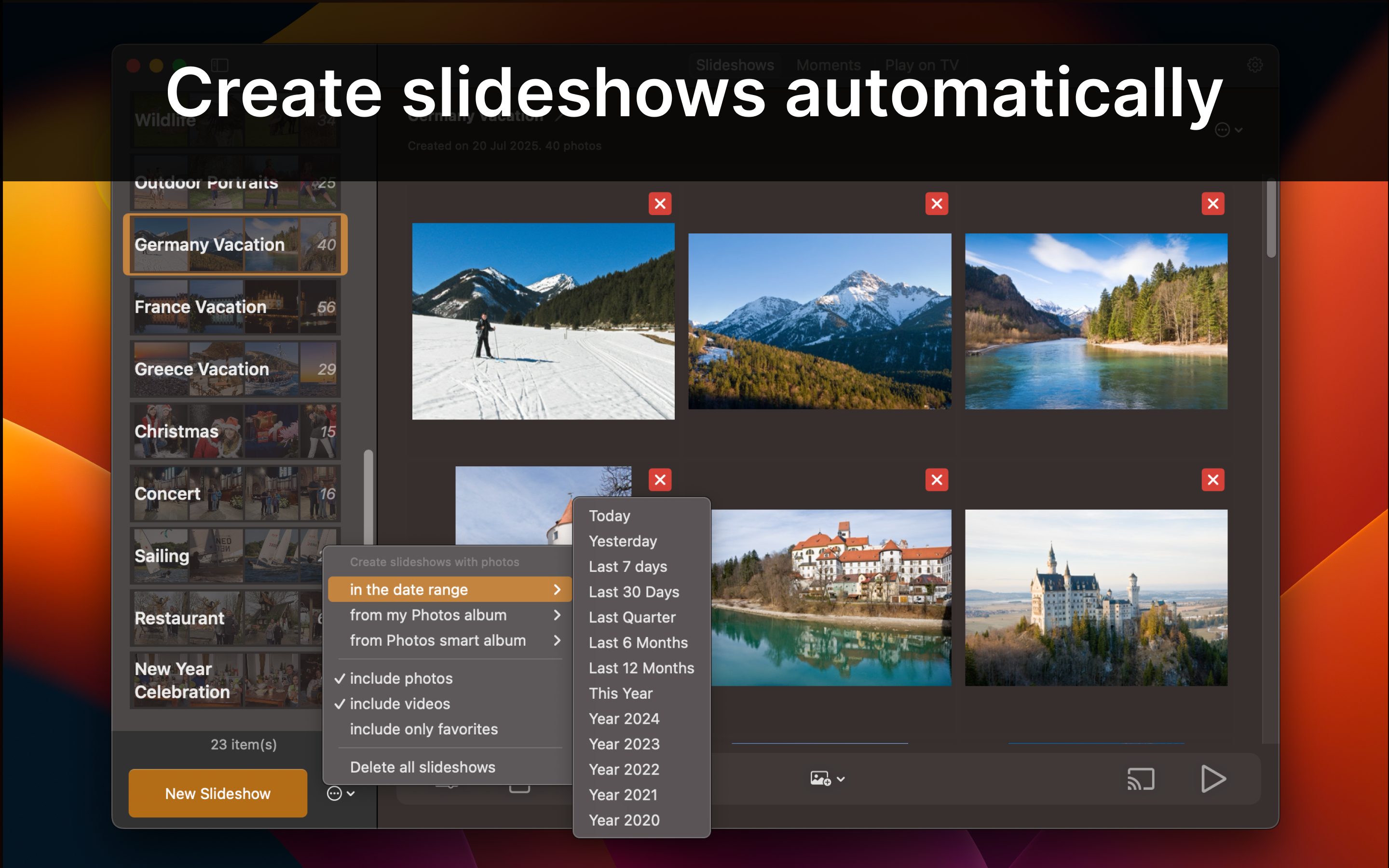
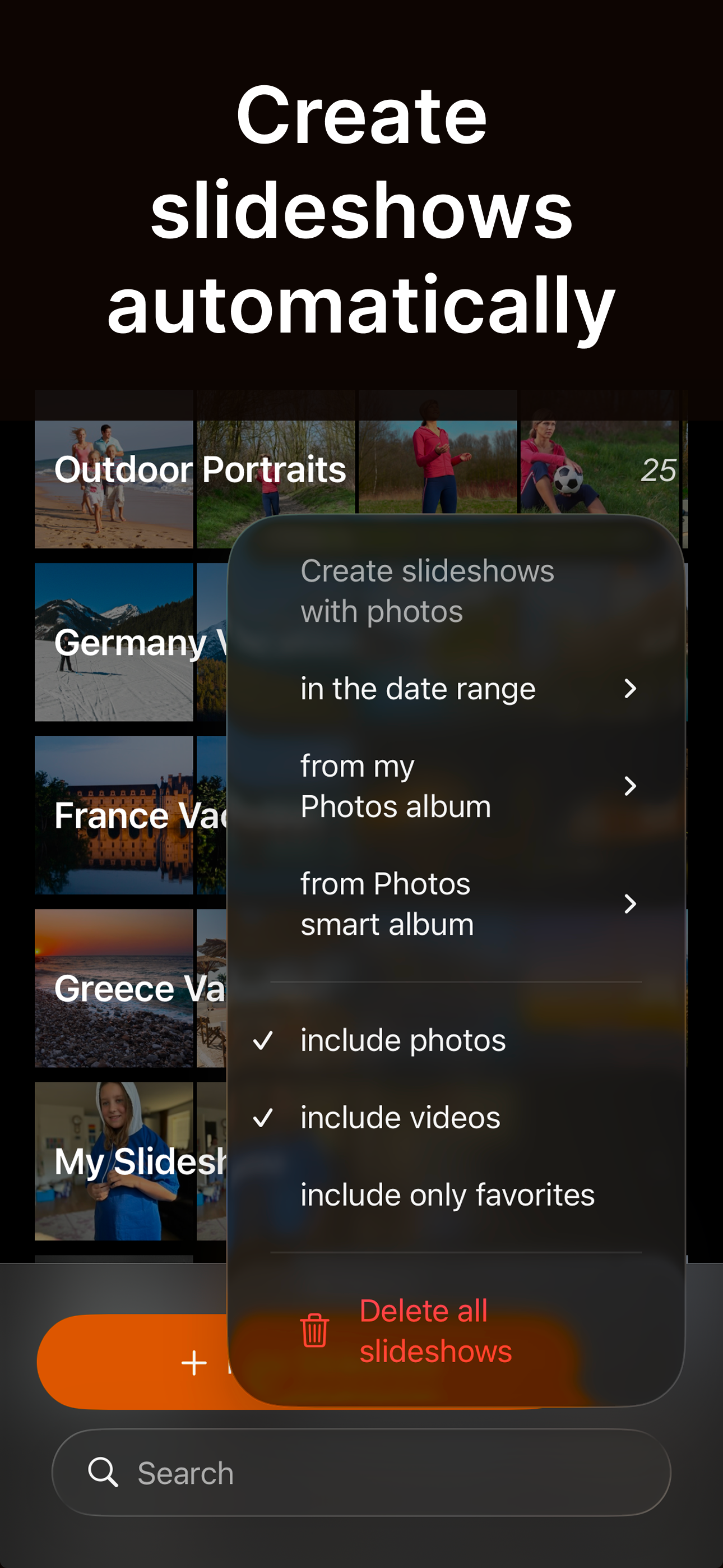
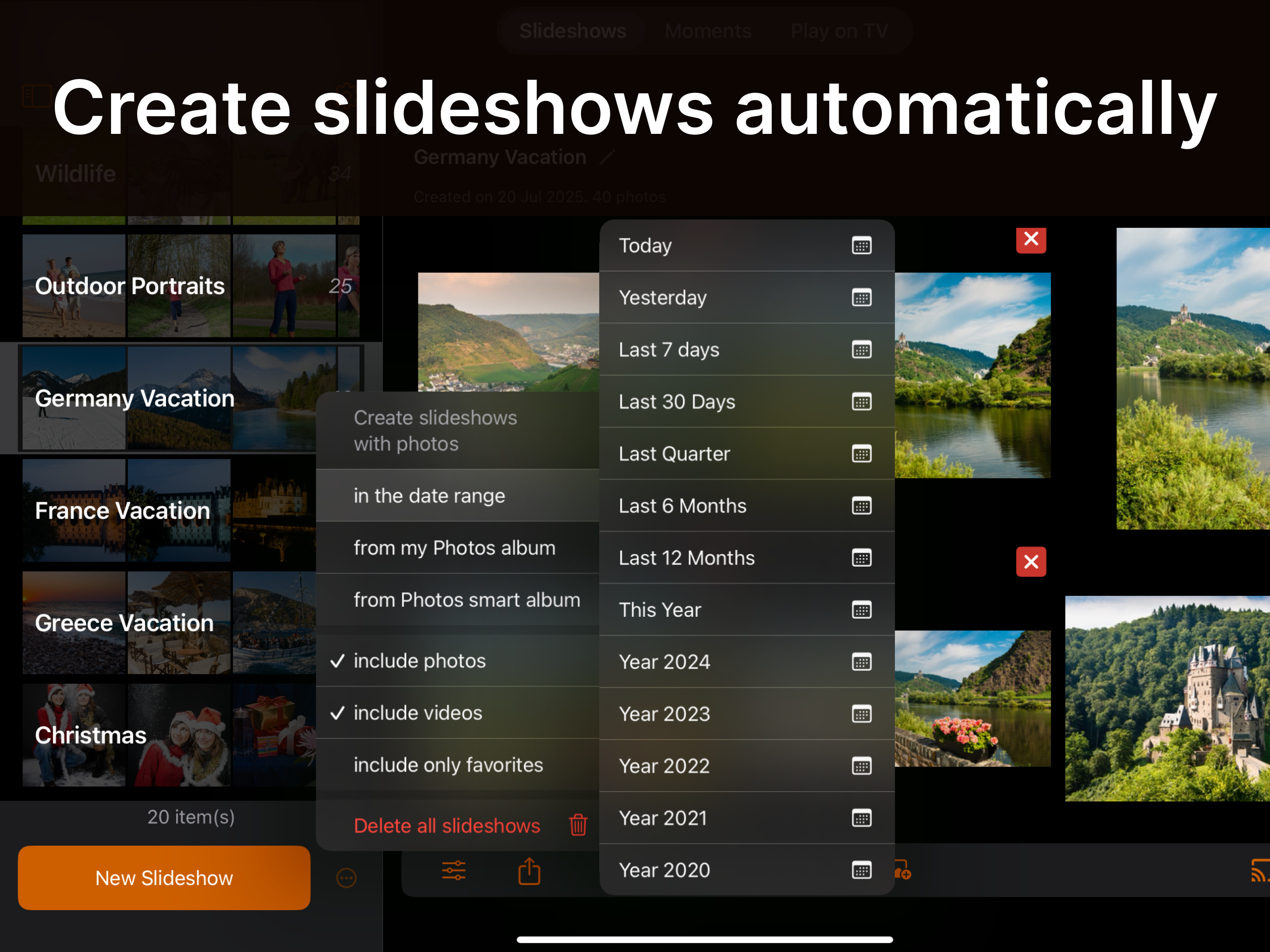
Or, let SlideFlow make some slideshows automatically for you.
2
Customize
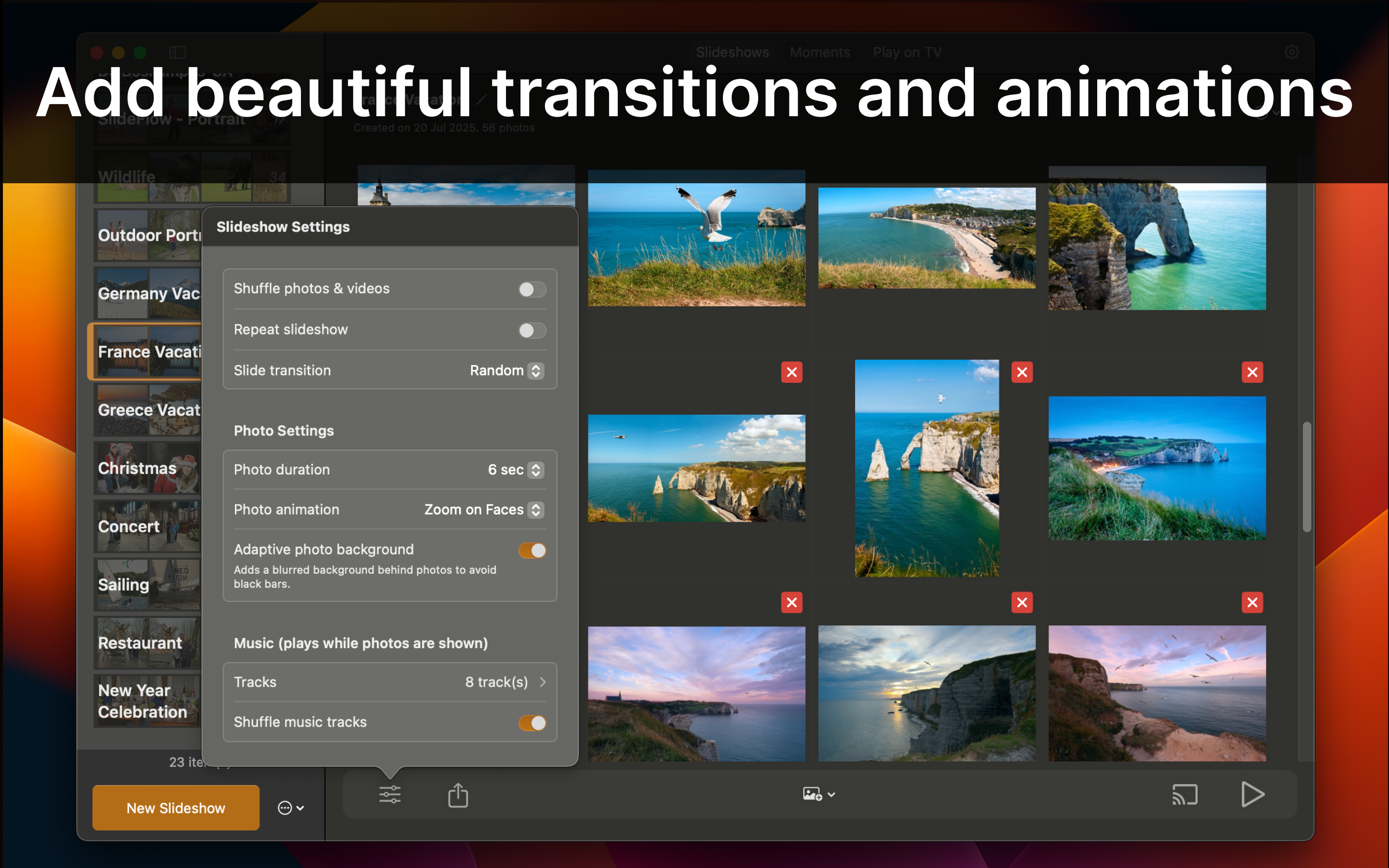
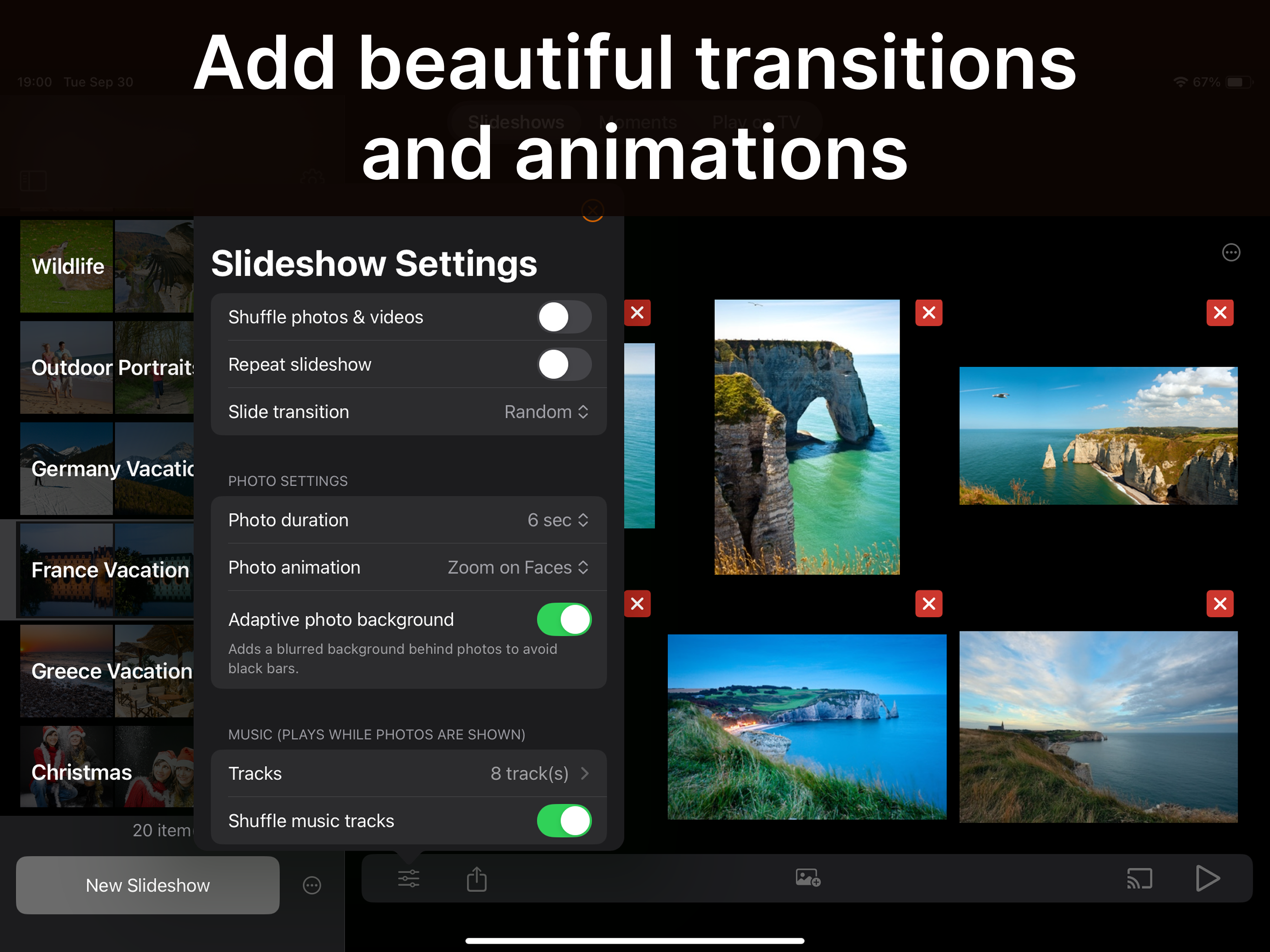
Choose transitions, animations, timing, music, etc.
Or just keep your favorite defaults.
3
Enjoy your slideshow!
Watch anywhere, cast to TV, or export & share as video.

Powerful Features

Instant Slideshow Playback
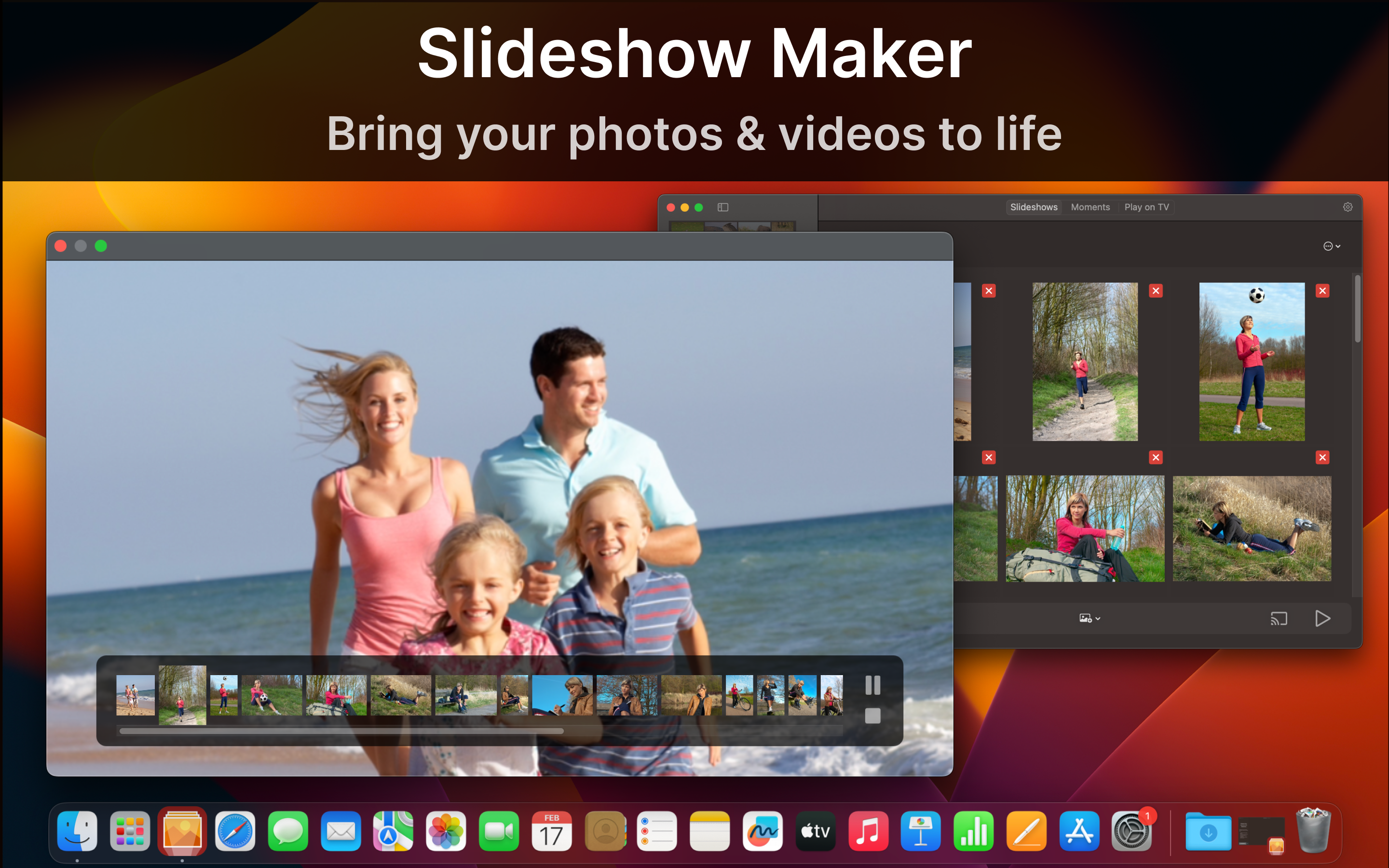
SlideFlow generates your slideshow on the fly, so it starts playing almost immediately—no more long waits for video generation.

Various Sources
Use photos and videos from your Photos Library, or any files.

Play Slideshows on TV
Many DLNA-capable TVs are supported. Simply connect your iPhone, iPad, or Mac to the same local network as your TV via Wi-Fi or Ethernet, and you’re ready to go.

Cast Photos and Videos to TV
Beam any photo or video to your TV – not just slideshows! Instantly share favorites moments in stunning fullscreen.

Music
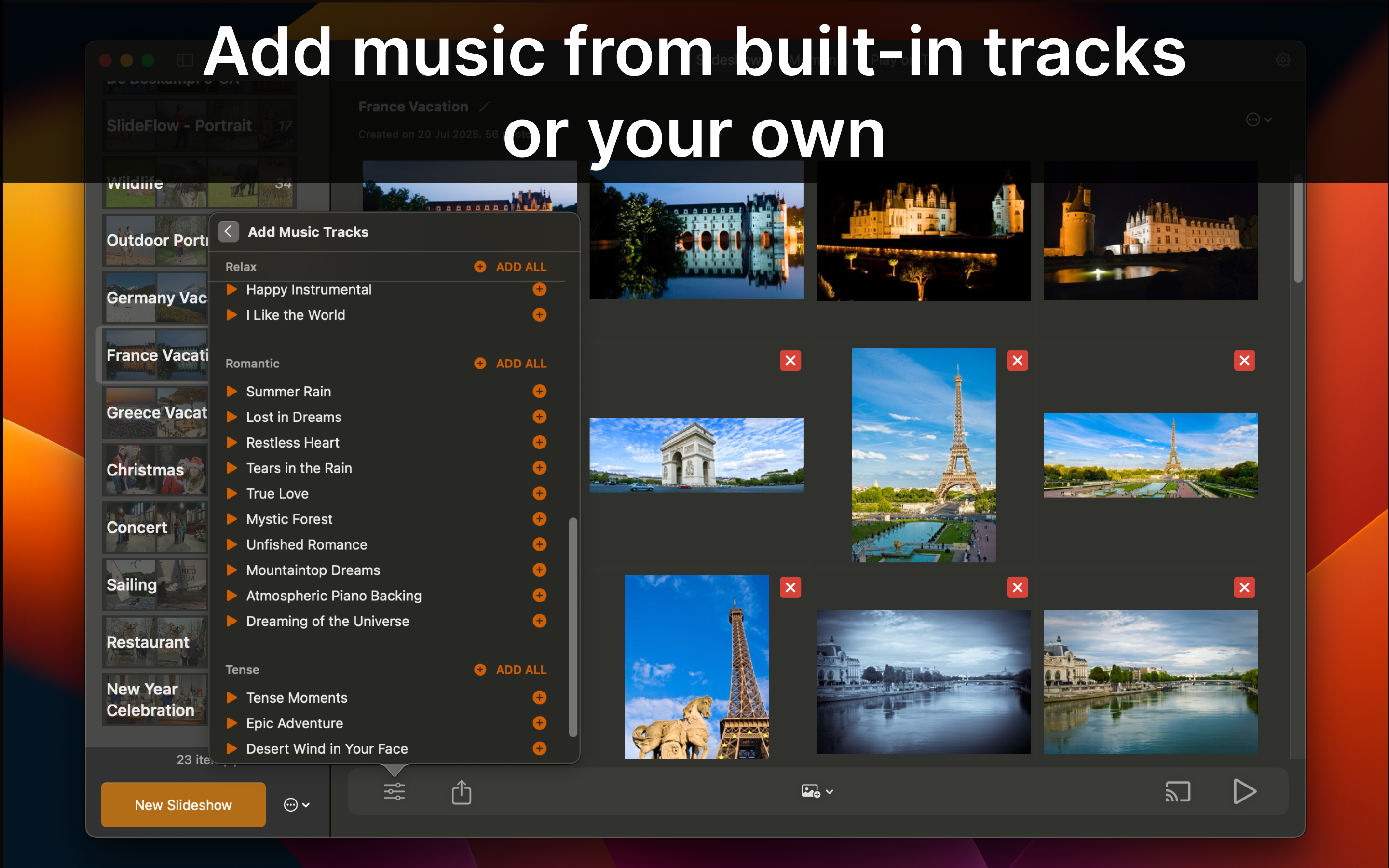
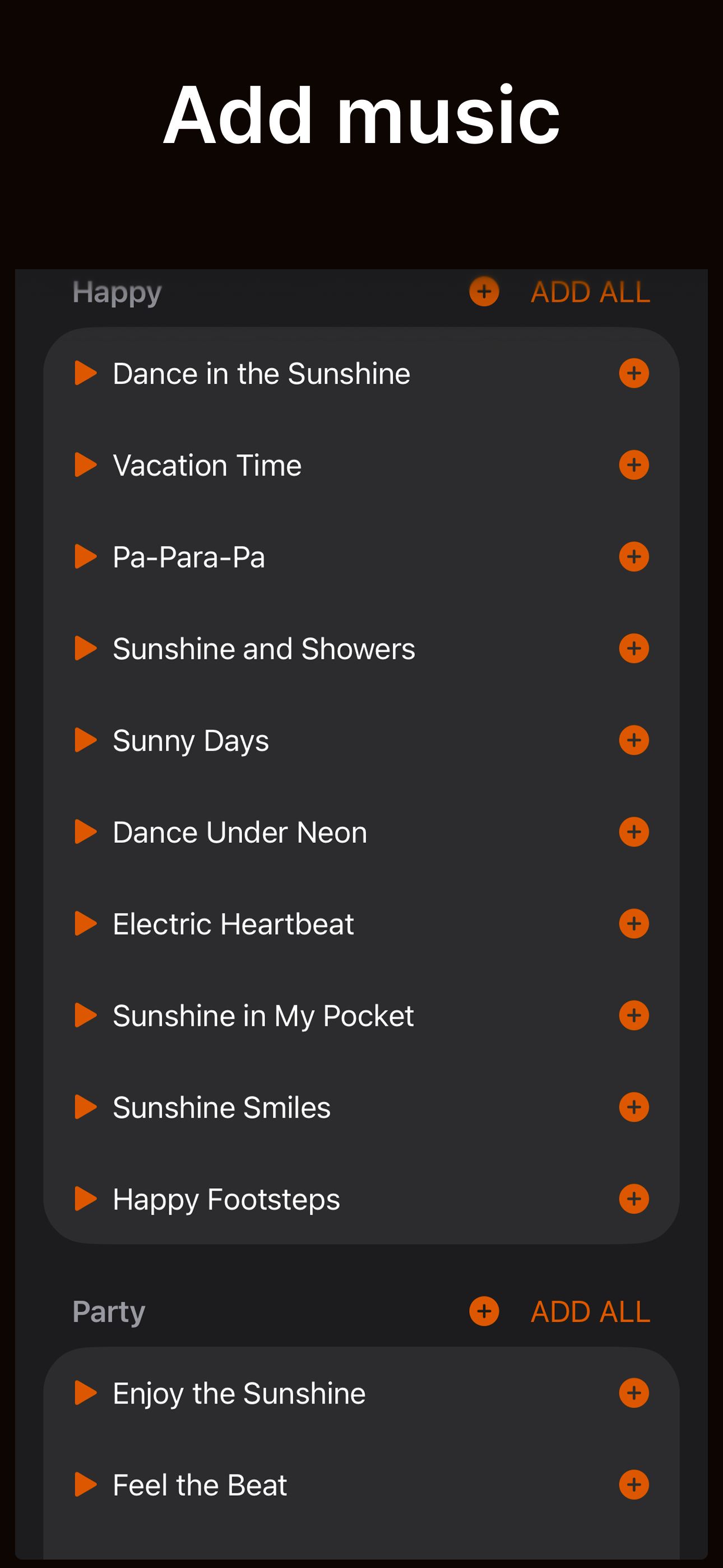
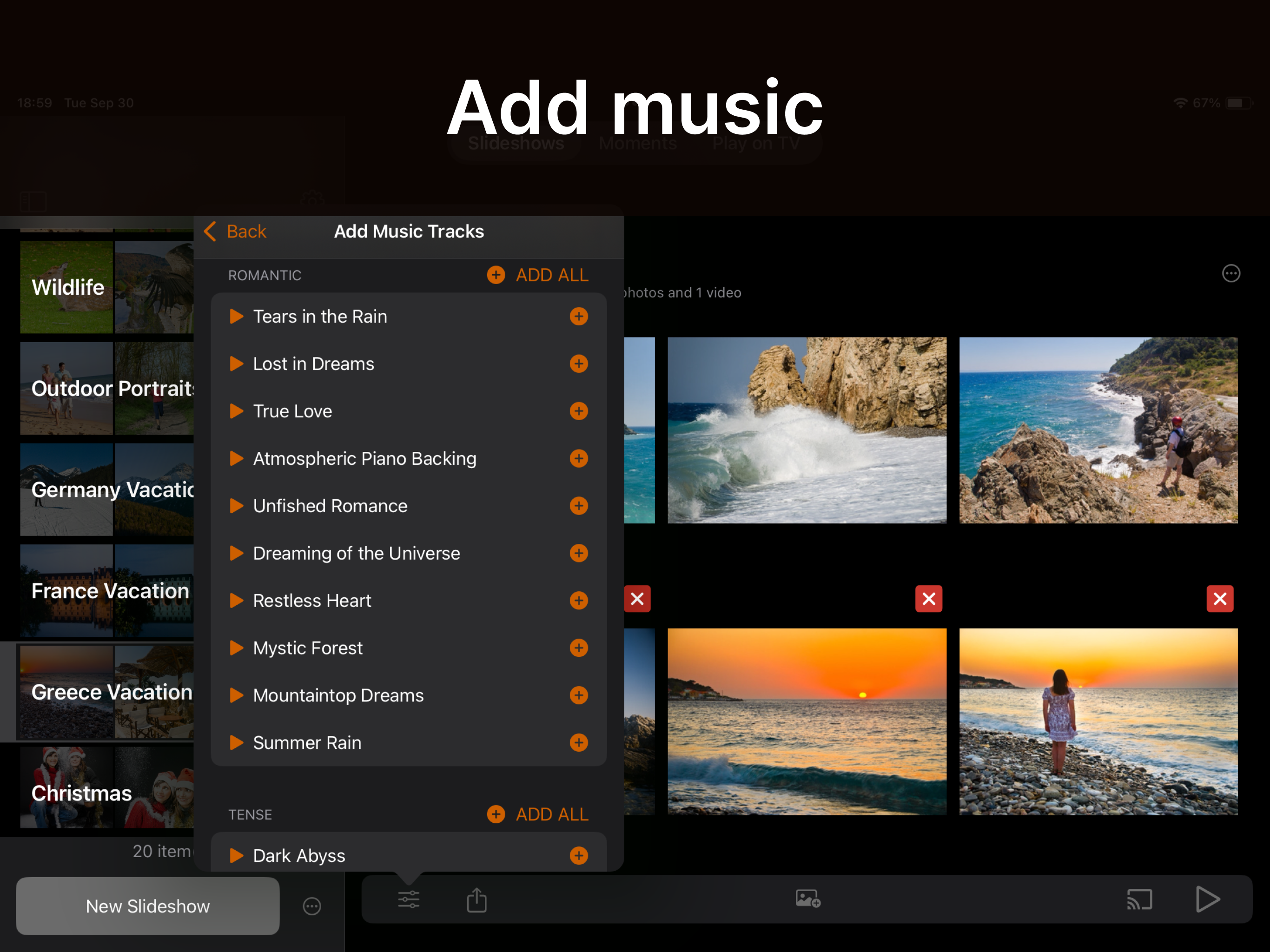
Add music that sets the right mood. Choose from a wide selection of built-in tracks across various genres, or add your own.

Animations
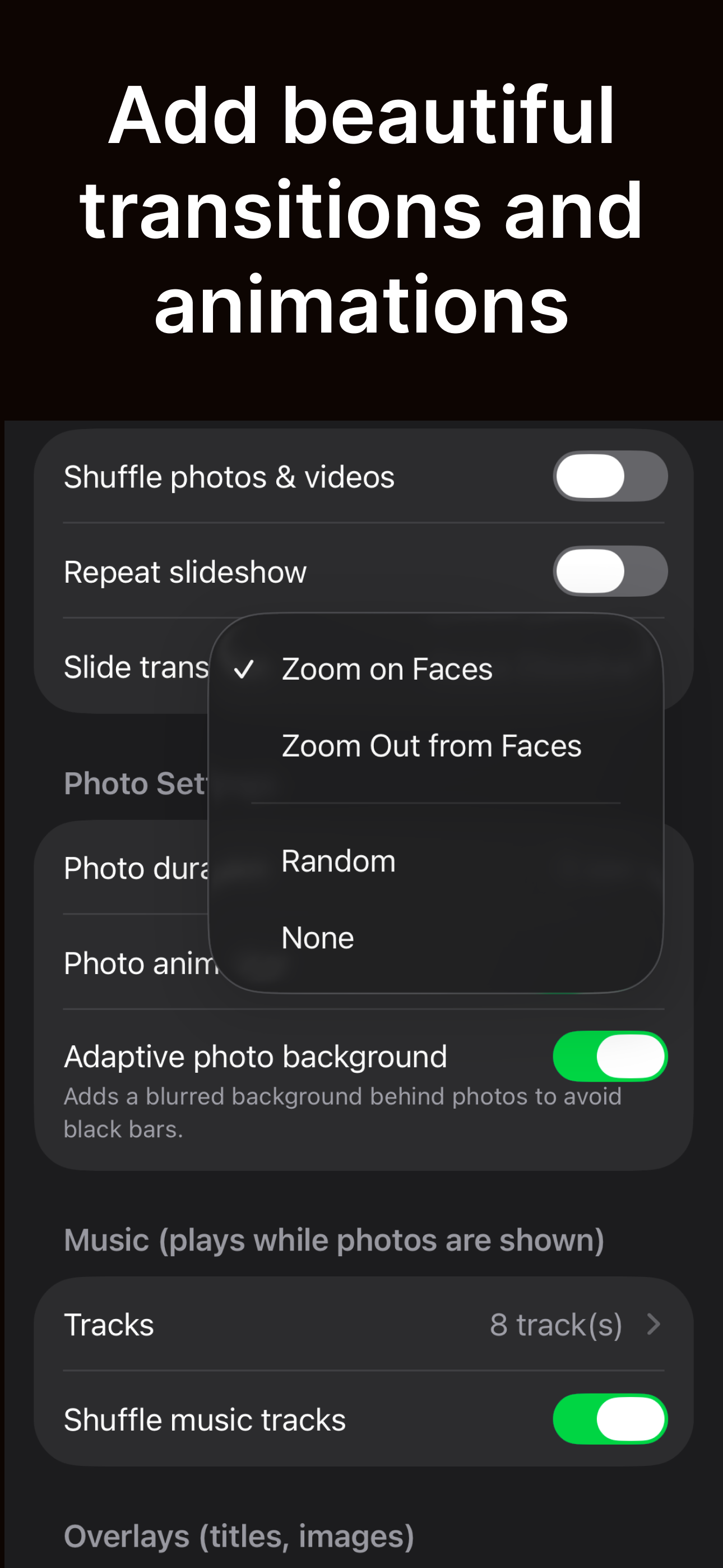
Bring your photos to life with smart animations, achieving the most natural and enjoyable viewing experience:
- “Zoom on Faces” first introduces the environment (the full photo) and then focuses on people.
- “Zoom Out from Faces” does the opposite: it begins with the people, then reveals the environment they’re in.

Transitions
Seamless transitions between photos achieve a polished, professional look.

Smart selection and filtering tools

Seamless Sync Across Devices
Your slideshows are synced across all your devices—Macs, iPhones, and iPads.

Powerful Export
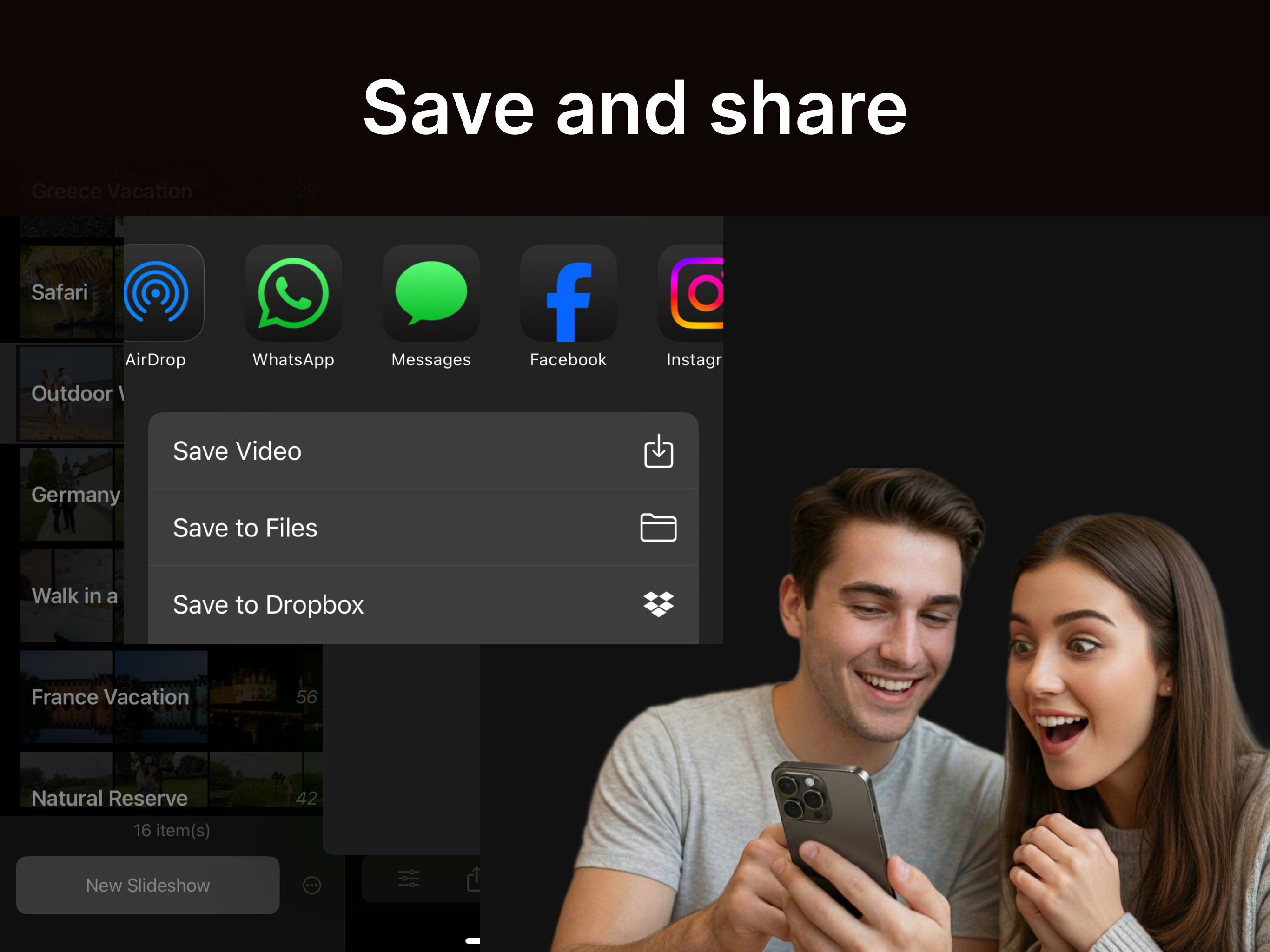
Export or share slideshows as videos:
- Horizontal, vertical, or square.
- Full or reduced resolution (and file size)
SlideFlow Screenshots