

iBatch
Flexible batch image converter

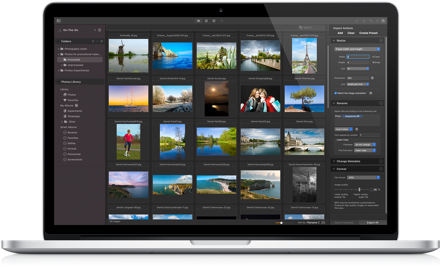
Resize, Crop, Edit, Convert Many Images
See how flexible and convenient batch image processing can be. Eliminate hours of tedious work needed to edit, crop, resize, rotate, flip, rename, etc. many images!
Whether you have strict size requirements for a web / graphics design project, or just wish to make many pictures nicer and smaller for social media or e-mail, iBatch will get the job done quickly and easily.
What is so flexible and unique in iBatch?
Powerful Batch Processing
Just an example of what you can do:
- Give iBatch a few hundred images.
- Fix the wrong orientation of 50 images with a couple of clicks.
- Crop and straighten some images to improve their composition.
- Automatically enhance all photos to let them look nicer.
- Bump the exposure and contrast in 30 photos with a few clicks.
- Manually edit some photos to achieve a perfect look.
- Export every image in several sizes and formats — with a great control of the file names, metadata, etc. All this in a single batch operation, just in a few minutes!
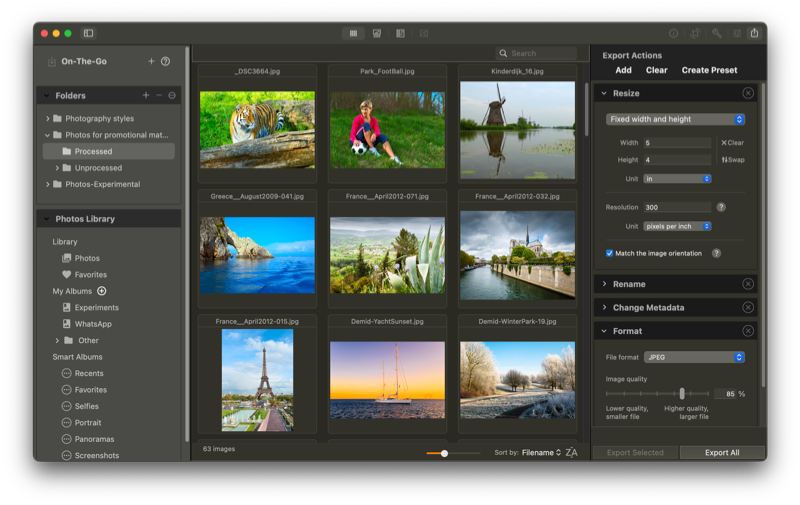
Multiple Sources
Work with images on your Mac, or directly with the Photos Library. Save frequently used folders for fast access.
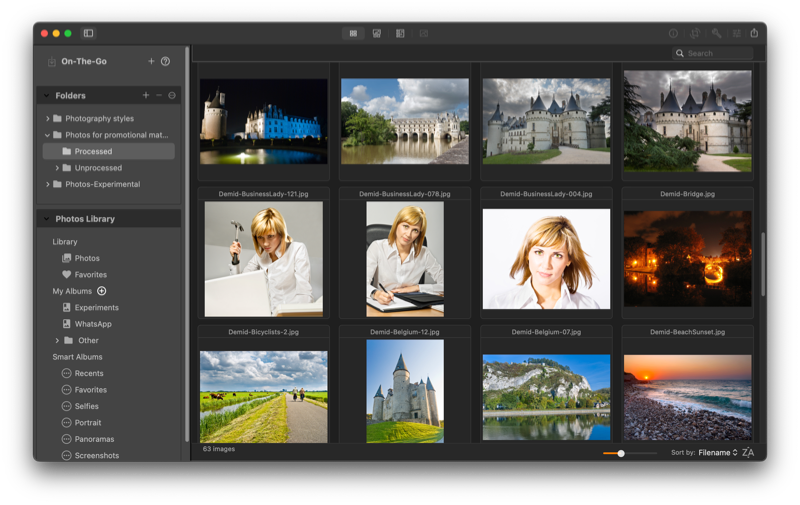
Automatic Enhancement
Enhance photos automatically using unique image analysis algorithms. Then customize results to your liking, if necessary.
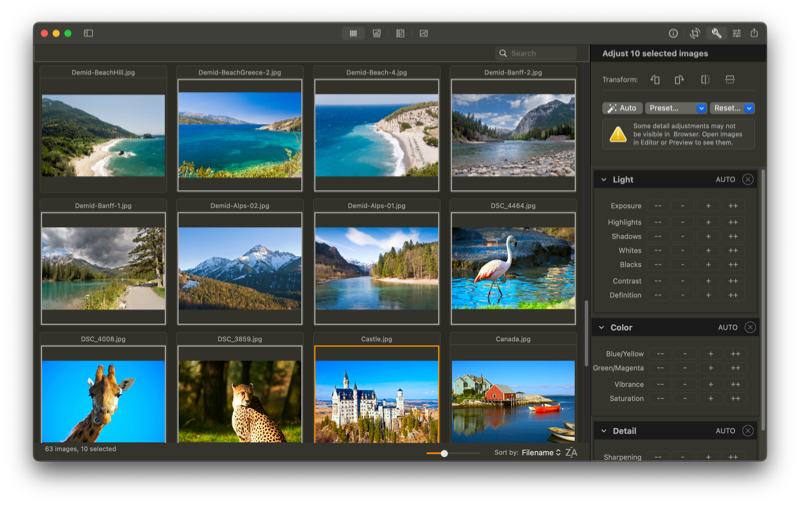
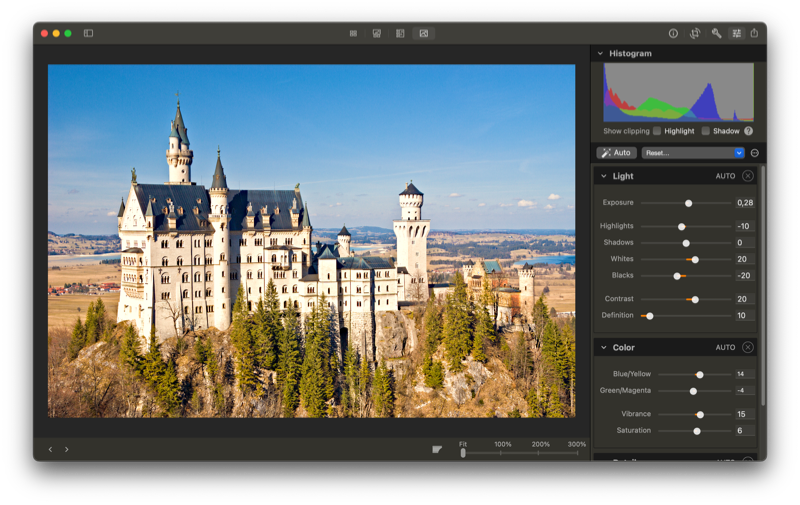
Full & Batch Editing
Achieve the perfect look with full control for a single image, and coarse control for multiple images together. Or edit one photo, then copy & paste its settings to all similar photos.
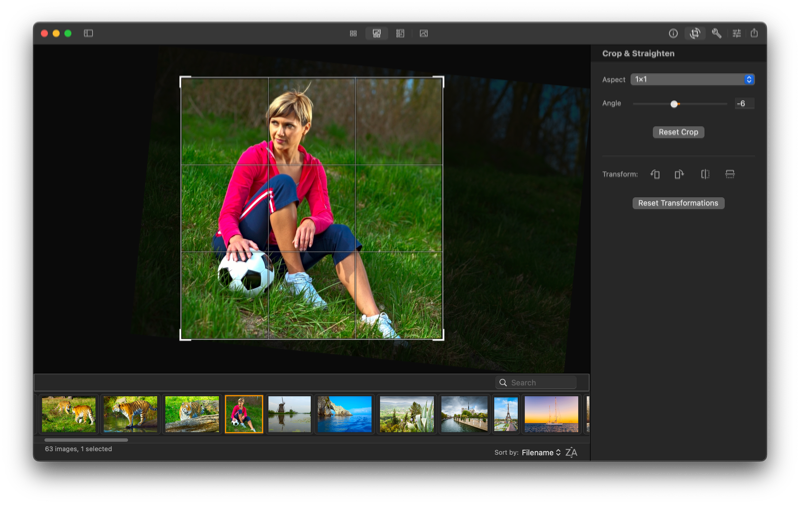
Crop & Straighten
Crop individual images when required. Copy & paste crop settings to all similar photos.
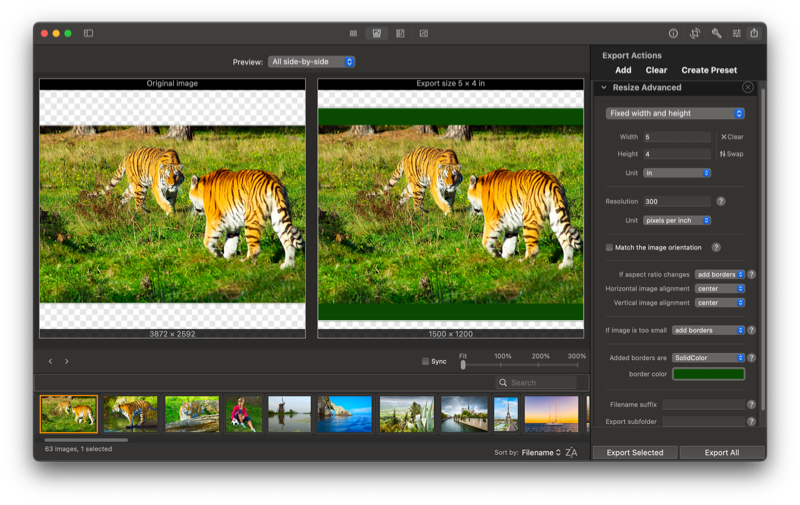
Advanced Resizing
iBatch handles any resizing need with ease:
- Define the exact required image width, height, or both.
- Fit the original image inside a box.
- Specify the longest or shortest dimension.
- Define the required resolution in megapixels. E.g. export 5-megapixel images.
- Limit the image file size. E.g. make image files at most 1 MB in size.
iBatch lets you decide what to do if the image aspect ratio changes: crop as you like, deform, or add borders of any color. And if the image is too small for the requested size: enlarge it, add borders, keep the original, or skip this image.
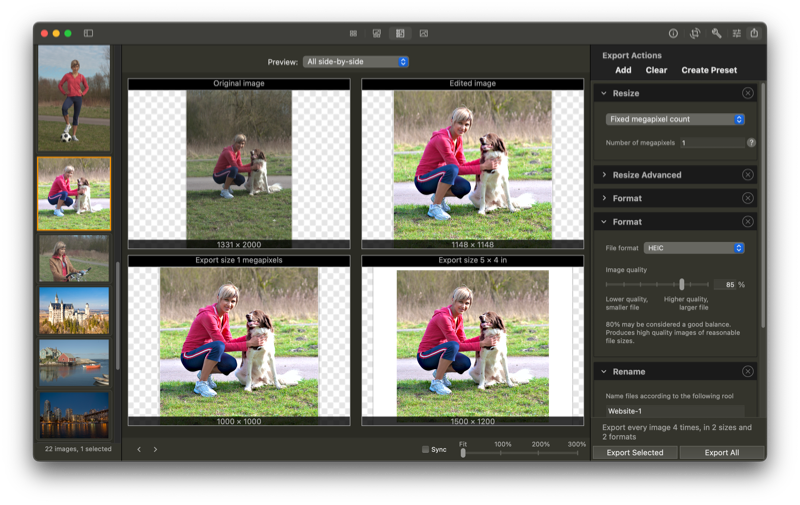
Preview & Multiple Sizes
iBatch provides a final image preview. See immediately how the final image looks after cropping and editing, in every defined export size. See any image version, or all side-by-side.
Reusable Presets
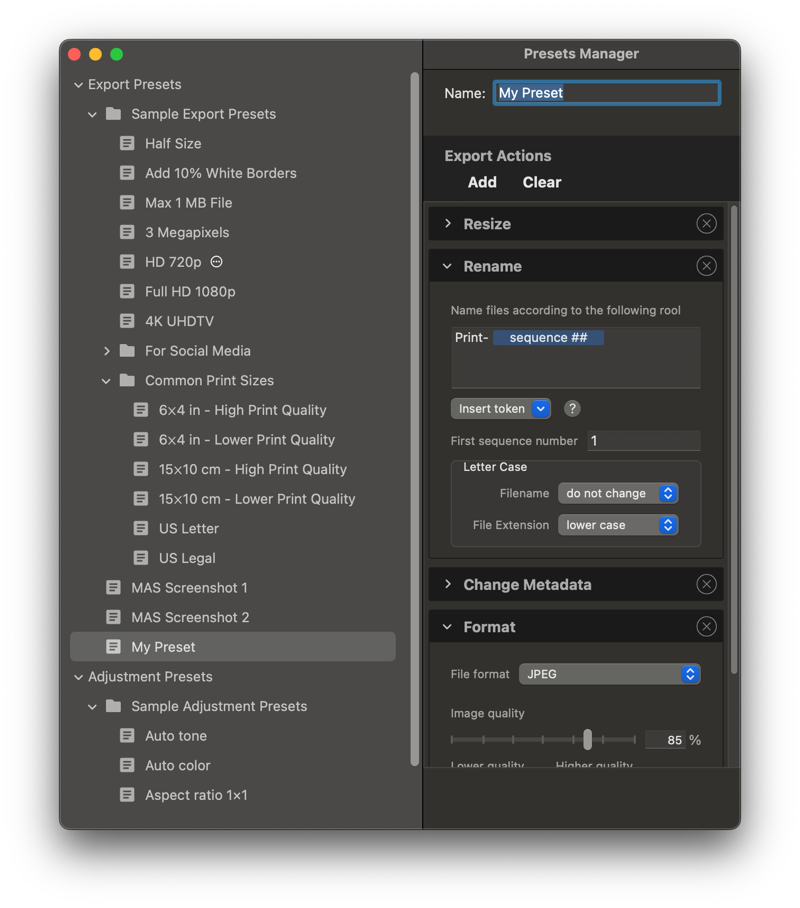
You never need to enter the same configuration twice! Just save your export and adjustment settings as presets, and reuse them to save time!
System Requirements
iBatch runs on macOS Catalina 10.15 or later.